1
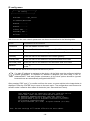
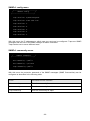
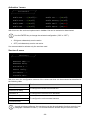
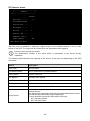
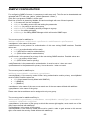
Security menu
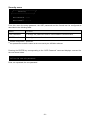
/------------------------/
/
Security
/
/------------------------/
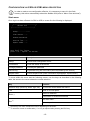
UDP Password...:<-UDP Firewall.......:
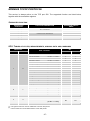
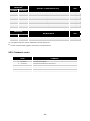
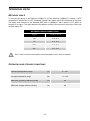
From this menu the setup password, the UDP password and the firewall can be configured as
described in the following table.
Menu
Function
UDP Password
To change the password used for UDP/UPSMon communication (2)
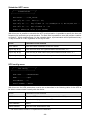
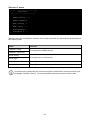
UDP Firewall
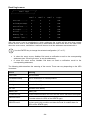
To configure access from the network
(1)
(2)
default configuration: “password”
this password must be the same as the one used by the UPSMon software
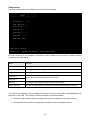
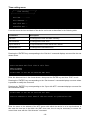
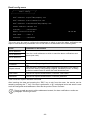
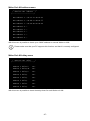
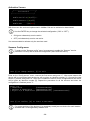
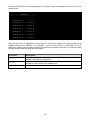
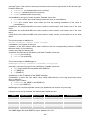
Pressing the ENTER key corresponding to the “UDP Password” command displays a screen like
the one shown below.
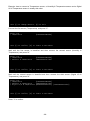
Enter the new UDP password:
Confirm the new UDP password:
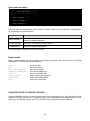
Enter, as requested, the new password.
- 31 -