1
Chapter 8: Getting Information About the Library
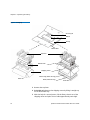
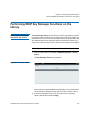
Viewing the Location of the Robot
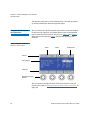
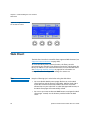
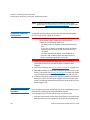
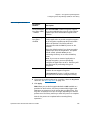
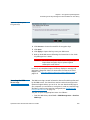
• Describes the current or last operation performed. If the
operation performed affects a device location, the description
will be numeric—for example Move Media: [1,2,5] to [1,5,1]. If
the operation affects a slot location, such as unlocking a
magazine, the description will be textual —for example, Unlock:
Left Magazine.
• Provides the status of the operation—Active, Completed, or
Failed.
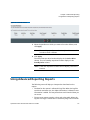
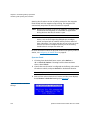
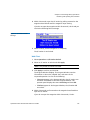
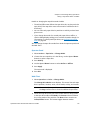
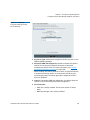
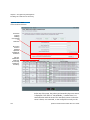
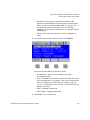
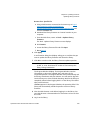
2 For additional information about the status, select Details.
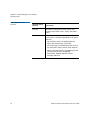
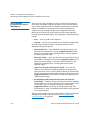
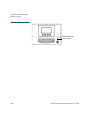
This screen provides details for the library status:
• Last Operation - Status of last completed operation—
Succeeded or Failed.
• Robot - The Robot location refers to where the robot was at the
end of the operation. For example, if the robot is between two
slots, it will display the robot location as “Robot: At [0,1,4] [0,1,5]”. If it is directly in front of a slot, it would then read, for
example “At [0,4,4]”.
• Picker - Extended or Retracted.
• Picker Fingers - Engaged or Released.
3 Select Exit to return to the View.
Quantum Scalar i40 and Scalar i80 User’s Guide
219