1
X100 Series Main User Manual
23
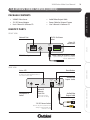
1.5 X100B IP BULLET CAMERA
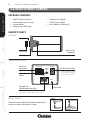
PACKAGE CONTENTS
INSTALL & CONNECT
•
•
•
•
•
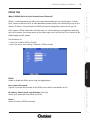
X100B IP Camera with Sun/Rain Shield
Camera Bracket
Fixing Screws & Wall Plugs
12V DC Power Adaptor
User’s Manual & Software CD
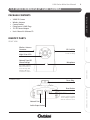
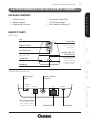
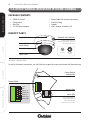
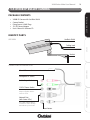
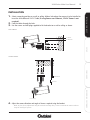
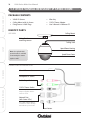
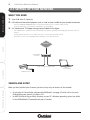
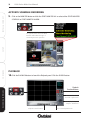
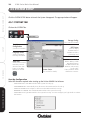
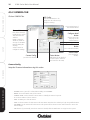
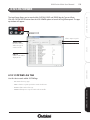
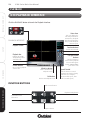
IDENTIFY PARTS
SIDE VIEW
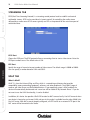
Sun/Rain Shield
Trailing Lead
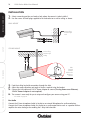
SETUP
Bracket
CONNECTIONS ON TRAILING LEAD
CONFIGURE
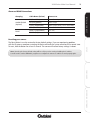
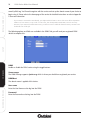
Alarm I/O connections
Microphone In Socket
Audio Output Socket
12V DC Power Socket
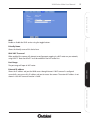
Network Port
(with Status LEDs)
Green LED indicates Wired
connection is active. Orange
LED indicates power is ON.
Reset Button
RECORDING SOFTWARE
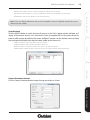
Ensure only the 12V DC Power
Adaptor supplied with the
camera is used.