1
X100 Series Quick Guide
59
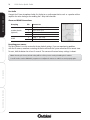
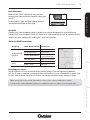
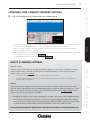
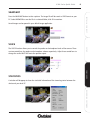
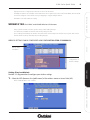
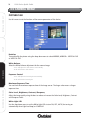
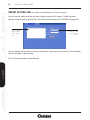
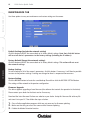
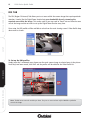
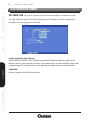
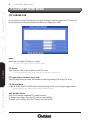
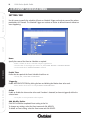
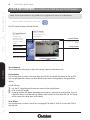
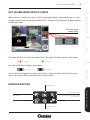
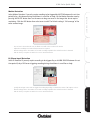
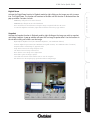
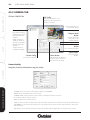
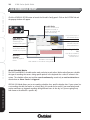
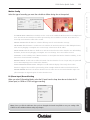
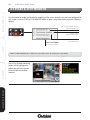
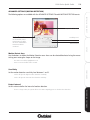
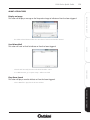
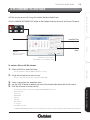
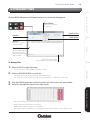
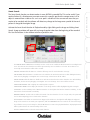
De-Noise
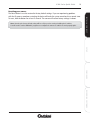
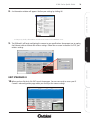
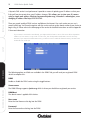
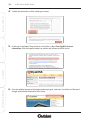
De-Noise can remove or lower unwanted noise and preserve fine details and edges. Use the drop down
meuu to select your preffered image quality. Click OK to see the image change in the preview window.
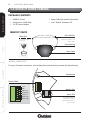
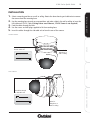
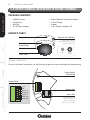
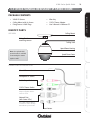
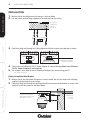
INSTALL & CONNECT
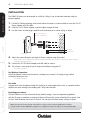
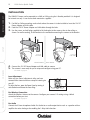
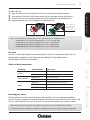
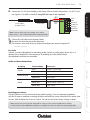
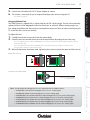
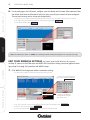
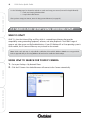
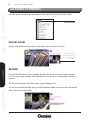
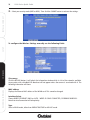
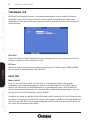
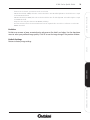
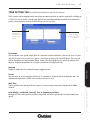
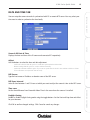
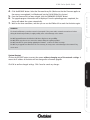
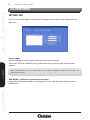
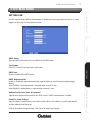
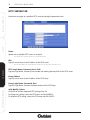
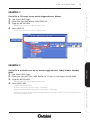
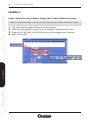
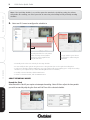
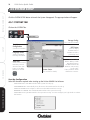
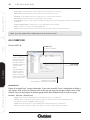
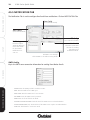
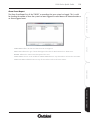
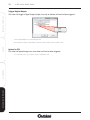
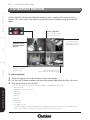
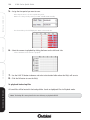
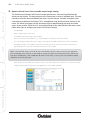
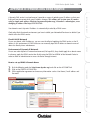
- If Auto mode is selected, 3 parameters can be set as below
- LED ON Threshold (0~10000): this value sets the threshold to turn ON white-light LED. It should be lower or equal
to the LED OFF Threshold.
- LED OFF Threshold (0~10000): this value set the threshold to turn off white-light LED. It should be higher or equal
to LED ON Threshold.
- Delay Time: The delay time between LED ON/OFF switching.
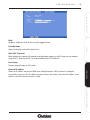
- Note that Current Value is the current luminance from the captured video. Use this as a reference to set the LED
ON/OFF Threshold.
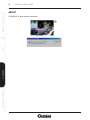
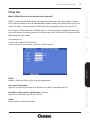
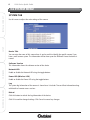
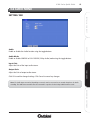
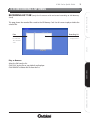
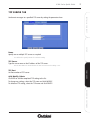
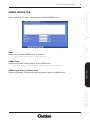
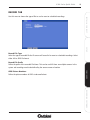
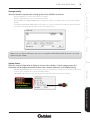
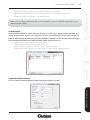
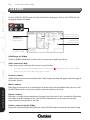
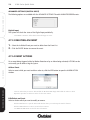
Default Settings
Restore to factory image settings.
SETUP
CONFIGURE
RECORDING SOFTWARE