1
psa220_eng.qxd
2/6/04
14:54
Page 1
Preparations
1
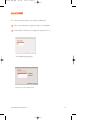
Install
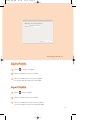
Insert the supplied CD into your computer’s CD-ROM drive.
Follow screen instructions to complete installation.
ATTENTION!
WINDOWS 98 USERS:
To avoid installation problems, DO NOT CONNECT your player to your
computer until AFTER installation completes.
2
✔
3
✔
4
5
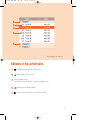
Charge
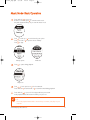
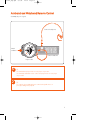
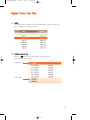
Open the USB cover. Connect the supplied charger to the USB port
and the main power supply. For extended battery power, please
charge for at least 4 hours for first time use.
1 HR =
4 HRS =
TIP
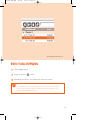
This indicator
shows your battery information during charging.
Connect player to computer
Open the USB cover. Connect your player to your computer using
the supplied USB cable.
TIP
Please refer to your computer’s manual for the exact position of
your USB port. Look for the USB symbol on the processing unit of
your computer.
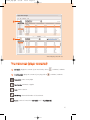
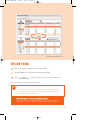
Organize and transfer music via DMM
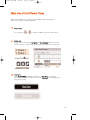
Launch DMM on your PC from Windows desktop or Start menu.
Use DMM to organize your music.
Transfer music files from your computer to your player.
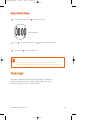
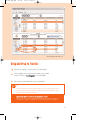
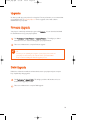
Unplug safely
To avoid loss of data, disconnect your player safely.
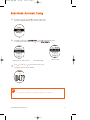
Exit DMM. Click
on the task tray.
Remove the USB cable.
6
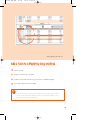
Power on and enjoy!
Press and hold 2 ; for 2 seconds to power on if the player does not power
on automatically. Enjoy your new music experience!
1