1
Management Guide
Read this chapter to understand the management interface of the
device and how to manage the device.
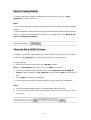
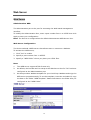
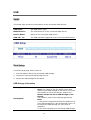
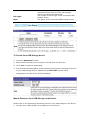
Starting the Graphic User Interface (GUI)
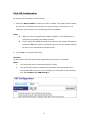
The Graphic User Interface (GUI) is the management interface of this device. Most
parameters and settings are configured over the GUI.
To get access to the GUI,
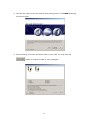
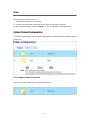
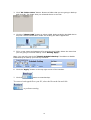
1. Double click the
shortcut on your desktop to start the PNMD.
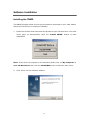
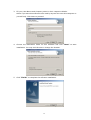
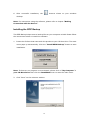
Note: To get instruction installing the PNMD, please see “ Installing the PNMD”
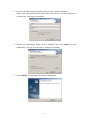
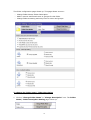
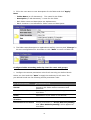
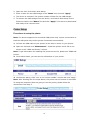
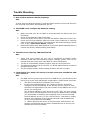
2. The PNMD window pops up. Select your NAS and click the
button.
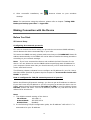
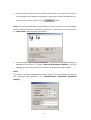
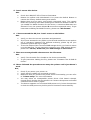
3. When the “Enter Network
Password” window pops up,
enter a user name and
password.
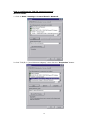
4. Click OK. The GUI Opens.
Note:
1. The default user name and password is admin/ admin. To change the username/
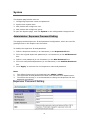
password, please refer to “Administrator- Superuser Password Setting.”
2. Both the User Name and Password are case sensitive and alphanumeric.
31