1
Unpinning apps
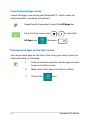
Right-click on the app to activate the settings bar then
click
.
Closing apps
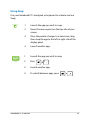
1.
Move your mouse pointer on the top side of the
launched app then wait for the pointer to change
to a hand icon.
2.
Drag then drop the app to the bottom of the
screen to close it.
From the running app’s screen, press
52
.
Notebook PC E-Manual