1
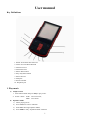
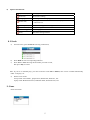
Select an equalizer:
5)
6)
Detail of each equalizer (EQ):
Natural, Rock, Pop, Classic, Soft, Jazz, DBB
Push Next to select an EQ and press Mode to confirm.
c) Synchronous Lyric Display
The player supports lyric files with *.LRC suffix, and displays synchronously.
How to use lyric files?
Please make sure the lyric has the same name as the music file. Press MODE and hold for a few seconds.
For example:
Music file: Journey.mp3
Lyric file: Journey.lrc
2. Play Videos
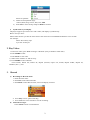
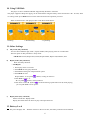
1. Enter main menu, press Next scrolling to “MOVIE” (Only available to AMV files):
2. Press MODE to enter:
3. Press PLAY to start video.
1). When in the interface of ‘Movies stop’
2). Press MODE to enter submenu.
Local Folder, Delete file, Delete all, Repeat (Normal, repeat one, Folder, Repeat Folder, Repeat all,
Random ,intro ) , Exit.
3.
Record
a)
Recording in “Record mode”
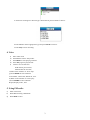
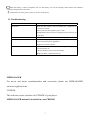
1. Enter the main menu:
2. Push Next scroll to Record mode
3. Push Mode to select Record mod, screen will display as below:
4. Press Play to start / pause recording.
5. Press Mode for a few seconds to save the recording.
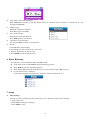
b) Select Record Type
1. Press Mode to enter record submenu
2