1
20 Initial use
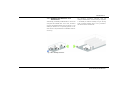
Check whether the device is connected to the
mains supply correctly and whether the encryption process has been carried out successfully. For more information, refer to 3.4
Connecting the dLAN pro 500 Wireless+
and 5 dLAN pro network.
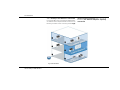
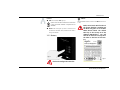
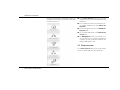
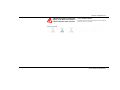
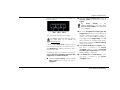
쎲 Green: The network connection is suitable for HD
video streaming; flashes when data is being transmitted.
쎲 Orange: The network connection is suitable for
SD video streaming and online gaming; flashes
when data is being transmitted.
쎲 Red: The network connection is suitable for simple data transfer and Internet access; flashes
when data is being transmitted.
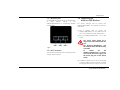
Wi-Fi
쎲 Off: The LED does not light up. The Wi-Fi connection is disabled.
쎲 Green flashing and illumination behaviour:
쑗 The LED lights up when connected to the WiFi network at 2.4 GHz.
쑗 The LED flashes at quick, regular intervals
when data is being transmitted.
쑗 The LED flashes briefly during WPS pairing.
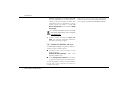
쎲 Blue flashing and illumination behaviour
devolo dLAN pro 500 Wireless+
쑗 The LED lights up when connected to the WiFi network at 5 GHz.
쑗 The LED flashes at quick, regular intervals
when data is being transmitted.
쑗 The LED flashes briefly during WPS pairing.