1
Network configuration 61
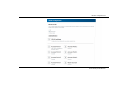
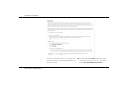
쎲 The older and weaker WEP standard can protect
communication with the help of a key having
either 10 or 26 hexadecimal characters.
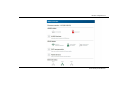
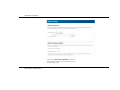
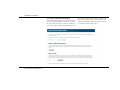
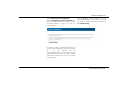
쎲 The state-of-the-art WPA/WPA2 (Wi-Fi Protected Access) Private Mode methods allow
individualised keys consisting of letter and numbers and the displayed special characters
with a length of up to 63 characters. You can
simply enter them via the keyboard. Under Mode,
you can limit access of clients to the
dLAN pro 500 Wireless+ to the method you have
selected. In addition, the dLAN pro 500 Wireless+
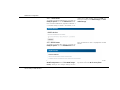
also supports the WPA/WPA2 Enterprise Mode
encryption key. As a central authentication server,
the RADIUS server assumes the user administration (for multiple access points; see chapter
4.5.3 RADIUS server).
Enterprise Mode does not support
any WPS.
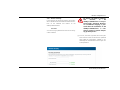
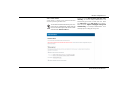
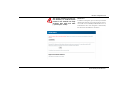
Save all modified settings before leaving this configuration area again.
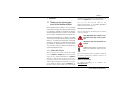
The factory defaults have the
dLAN pro 500 Wireless+
configured as an access point and
the WPA/WPA2 Private Mode Wi-Fi
encryption is set with the security
ID as the default Wi-Fi key. You will
find the 16-character security ID on
the label on the back of the
housing.
When activating the encryption, make sure that the
Wi-Fi settings (SSID, encryption mode and encryption
key) of the access point always correspond to the settings of the client, as otherwise you will be (unintentionally) excluding devices from your network.
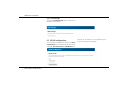
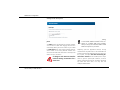
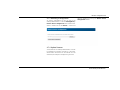
4.6 VLAN configuration
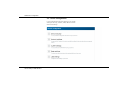
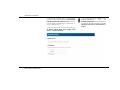
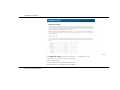
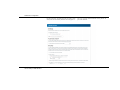
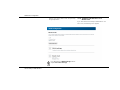
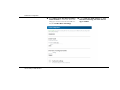
you can select whether you would like to disable the
VLAN configuration completely or use it. To do so,
press the Enable VLAN or Disable VLAN button. If
VLAN is disabled, all Ethernet ports, the dLAN port and
the Wi-Fi access points are interconnected, i.e. in this
operating mode the VLAN settings have no influence
on the behaviour of the dLAN pro 500 Wireless+.
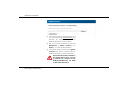
Observe the following rules when using the VLAN
function:
devolo dLAN pro 500 Wireless+