1
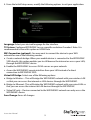
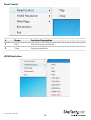
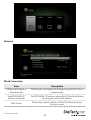
Web Page
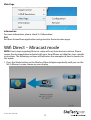
Information
For more information, please check 3-2 Information.
Exit
Exit from ScreenShare application and go back to the instruction page.
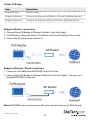
Wifi Direct – Miracast mode
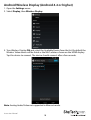
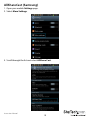
NOTE: Exact steps regarding Miracast setup will vary from device to device. Please
review the documentation included with your SmartPhone or tablet for steps specific
instructions. The following sections will indicate a few examples of how to connect in
this mode.
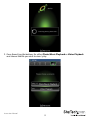
1. Press the Mode button on the Wireless Video Adapter repeatedly until you see the
Wi-Fi Miracast screen shown on your display.
Instruction Manual
17