1
Recording (cont’d)
English
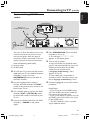
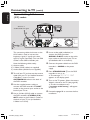
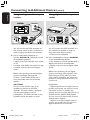
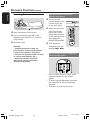
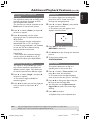
Direct recording
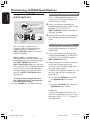
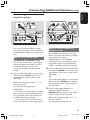
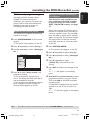
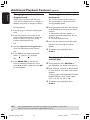
Deleting a recording
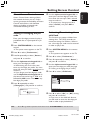
The Direct Record function allows you to
record the TV programme which you are
currently watching when the DVD
recorder is turned off.
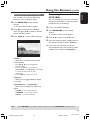
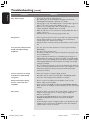
You can delete a specific recording from
the DVD+R(W).
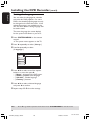
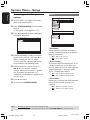
1 Turn on the { Direct record } mode in
the recording setting (see page 38).
2 On the TV, select the programme number
you want to record.
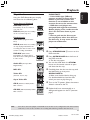
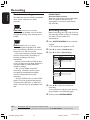
1 Insert a recorded DVD+RW or an
unfinalised DVD+R.
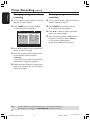
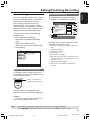
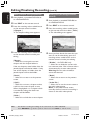
➜ The Index Picture screen or disc
content menu appears on the TV.
2 Use 1 2 3 4 to select an entry in the
menu.
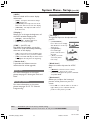
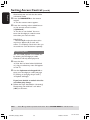
3 With the DVD recorder turned off, press
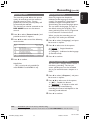
3 Press the matching colour coded button
REC 0.
➜ The system will compare the selected
TV channel on the TV set with its stored
TV channels. If the same TV channel is
found, it switches the DVD recorder to
the corresponding programme number
and starts recording.
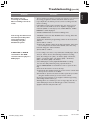
on the remote control to select
{ Delete }.
➜ The current recording will be deleted.
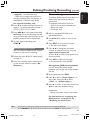
➜ For DVD+RW only, a new recording
can now be made here.
4 To stop recording, press STOP 9.
● To delete all the recordings, see pages
54~55 “Accessing to the Preferences
options - Disc” and select { Delete all }.
Helpful Hint:
– Do not change channels during the search,
this could affect the tuning of the DVD
recorder.
TIPS:
To play a DVD+R on other DVD players, see “Finalising disc (DVD+R)”.
40
1DVDR6xx_Eng00_13454c
40
9/28/04, 1:26 PM
3139 246 13454