1
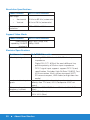
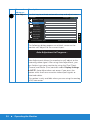
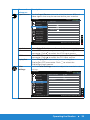
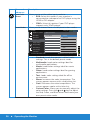
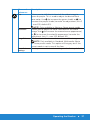
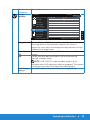
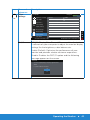
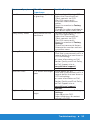
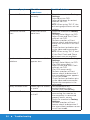
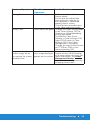
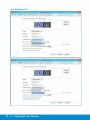
Icon Menu and Description Submenus Hue Allows you to shift the tint level of the video image to green or purple. This is used to adjust the desired flesh tone color. Use (to increase the green shade) or (to increase the purple shade) to make the adjustment (min 0 ~ max 100, default 50). NOTE: Only available in Movie or Game preset mode. Allows you to adjust the color saturation of the video image. Use (to increase the monochrome appearance) or (to increase the colorful appearance) to make the adjustment (min 0 ~ max 100, default 50). Image Enhance The function will enhance the contours of the image. Saturation Reset Color Settings NOTE: Only available in Standard, Multimedia, Movie or Game preset mode. This option will be grey out if the preset mode is not in one of the four. Resets your monitor's color settings to the factory defaults. Operating the Monitor 37