1
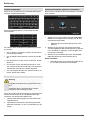
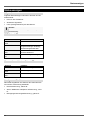
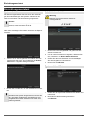
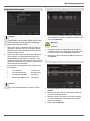
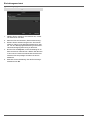
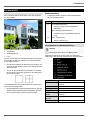
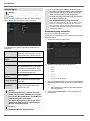
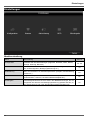
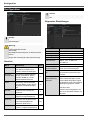
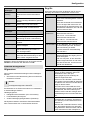
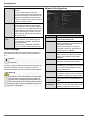
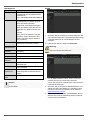
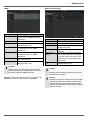
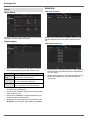
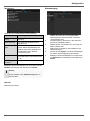
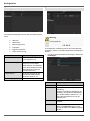
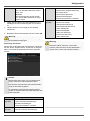
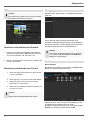
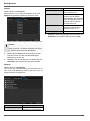
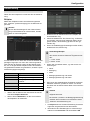
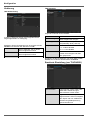
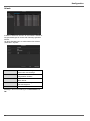
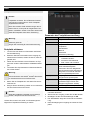
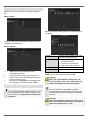
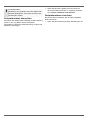
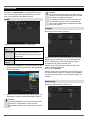
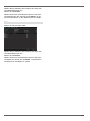
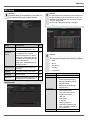
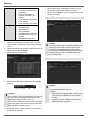
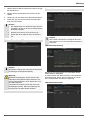
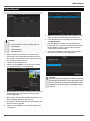
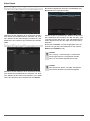
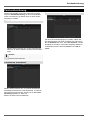
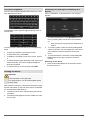
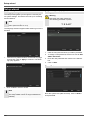
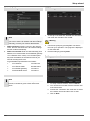
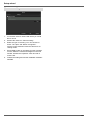
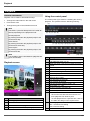
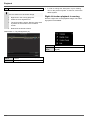
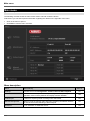
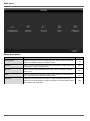
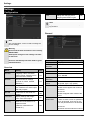
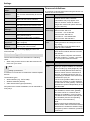
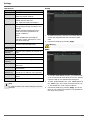
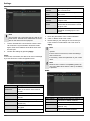
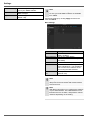
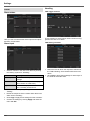
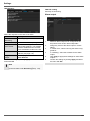
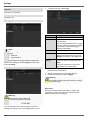
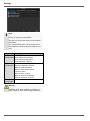
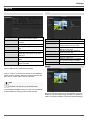
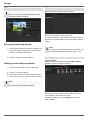
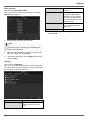
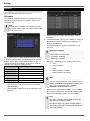
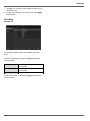
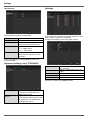
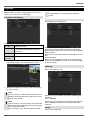
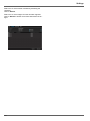
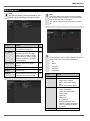
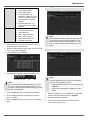
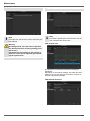
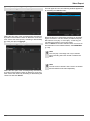
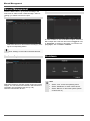
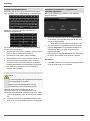
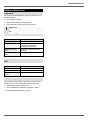
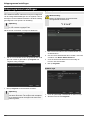
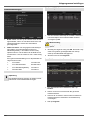
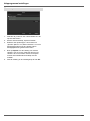
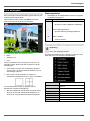
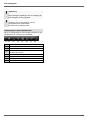
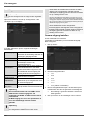
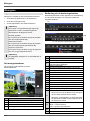
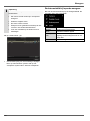
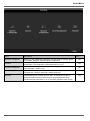
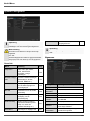
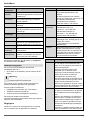
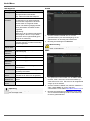
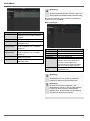
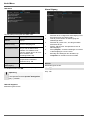
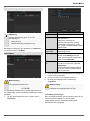
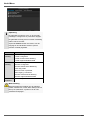
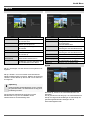
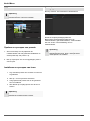
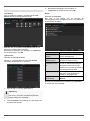
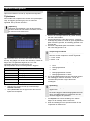
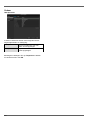
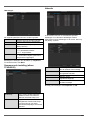
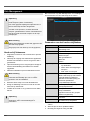
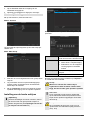
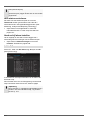
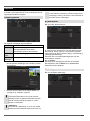
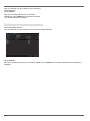
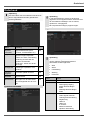
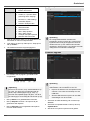
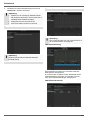
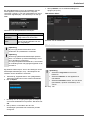
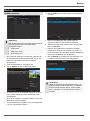
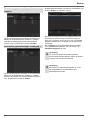
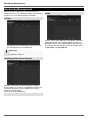
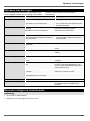
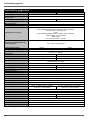
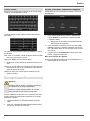
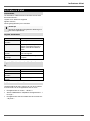
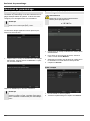
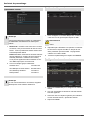
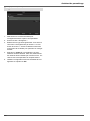
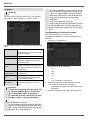
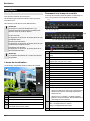
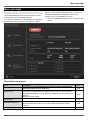
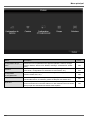
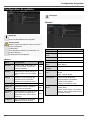
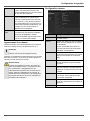
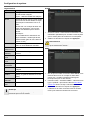
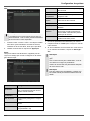
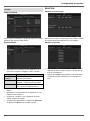
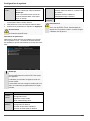
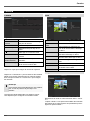
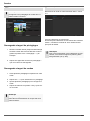
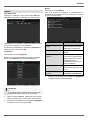
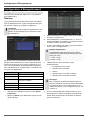
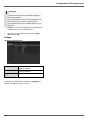
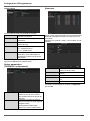
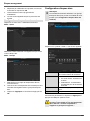
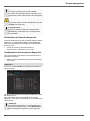
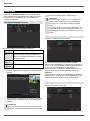
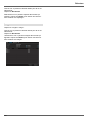
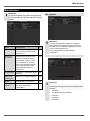
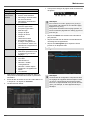
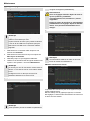
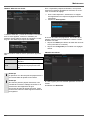
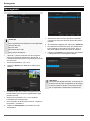
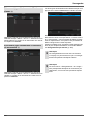
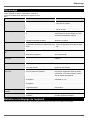
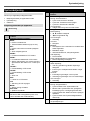
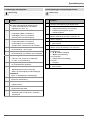
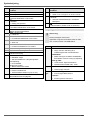
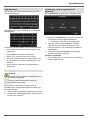
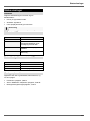
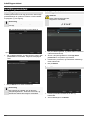
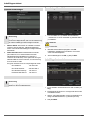
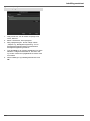
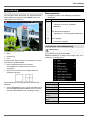
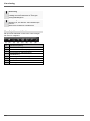
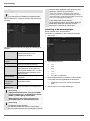
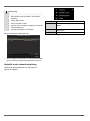
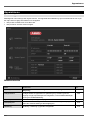
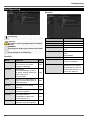
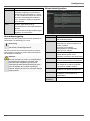
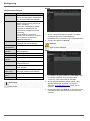
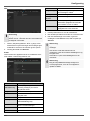
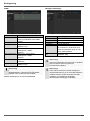
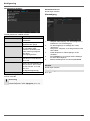
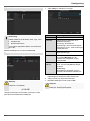
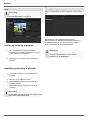
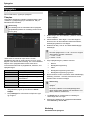
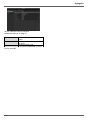
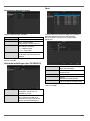
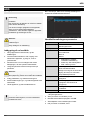
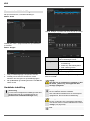
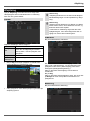
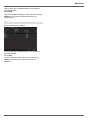
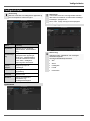
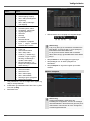
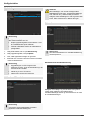
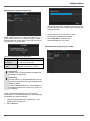
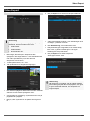
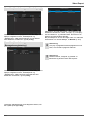
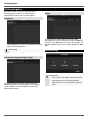
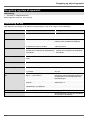
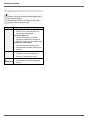
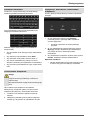
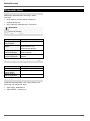
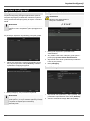
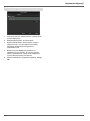
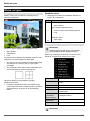
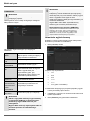
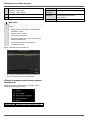
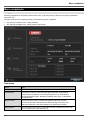
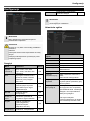
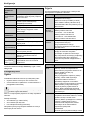
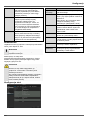
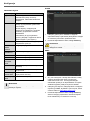
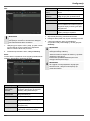
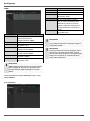
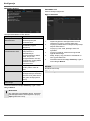
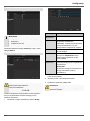
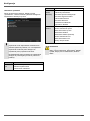
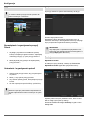
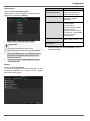
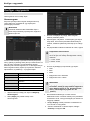
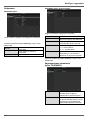
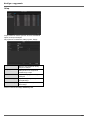
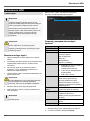
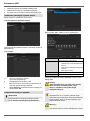
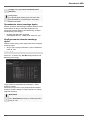
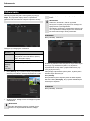
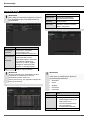
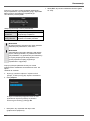
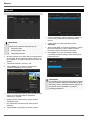
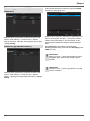
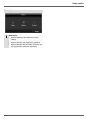
Settings Playback Press Configuration in the main menu and then Playback to search for video recordings after an event or a marking, or to view your saved images. place according to recording type, rather according to identification or a keyword of the markings’ name Continous Recording Event Please klick on the TAB „Event“. The following settings are available: A1 - A4 Camera to be set Record Type Schedule, motion detection, alarm or motion detection and/or alarm, manual recording, all File Type Locked, unlocked, all Start Time End Time Enter the date and time Click on Search to search for recordings with the corresponding settings. The results are then shown: A list with all alarm inputs is displayed. Select at ‘Event type’ whether the search should take place at alarm ‘Alarm input’ or motion ‘Motion recognition’ after recording. Select one or more alarm inputs by activating the check box. Klick on Search. Select one of more alarm recordings on the list that appears. Click on Details to receive more exact information on the recordings. Marking Click on the “Marking” tab. Select the recording by clicking on the line and then on “Play”-symbol. Note 136 You can return to events search at any time in the playback mode by performing a right click and selecting ‘Video Search’. Select one or more network cameras by activating the checkbox. Click on Search. Note The sub-menus ‘Tag’ and ‘Picture’ are almost identical with the menu described above and are therefore not listed separately. In the sub-menu ‘Tag’, searching does not take Select one or more markings from the list which appears. Click on Details to obtain more information about the markings. Image Click on the “Image” tab.