1
Inserting batteries
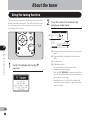
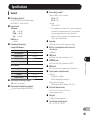
This recorder can be used with AA Alkaline Batteries.
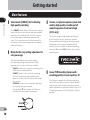
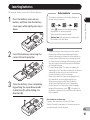
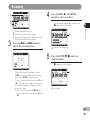
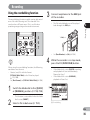
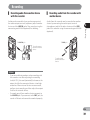
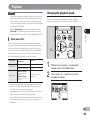
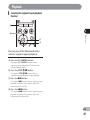
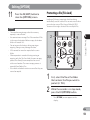
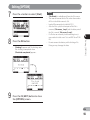
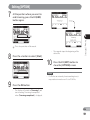
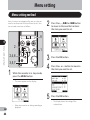
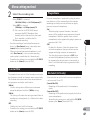
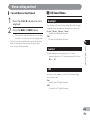
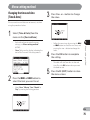
Press the battery cover release
button, and then slide the battery
cover open while lightly pressing it
down.
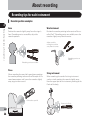
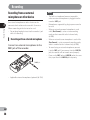
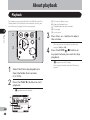
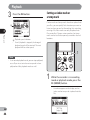
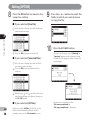
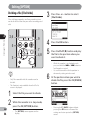
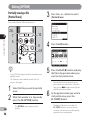
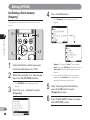
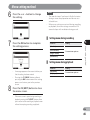
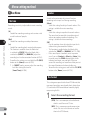
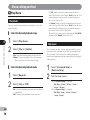
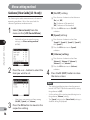
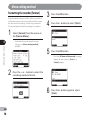
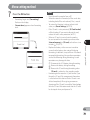
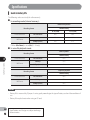
The battery indicator on the display changes as
the batteries lose power.
• When [N] appears on the display, replace
the batteries as soon as possible.
When the batteries are too weak,
[Battery Low] will appear on the display and
the recorder will shut down.
1
Inserting batteries
1
Battery indicator
Notes
2
3
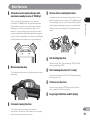
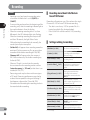
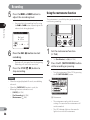
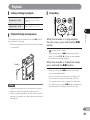
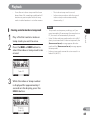
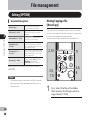
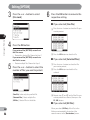
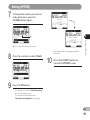
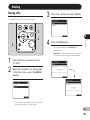
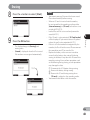
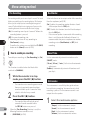
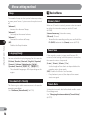
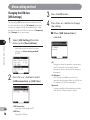
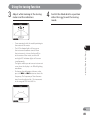
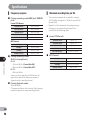
Insert the batteries, observing the
correct = and - polarities.
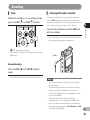
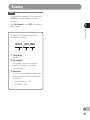
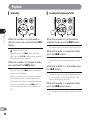
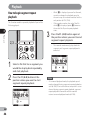
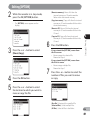
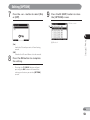
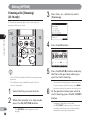
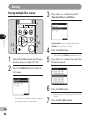
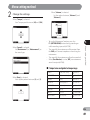
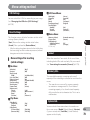
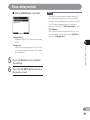
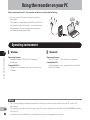
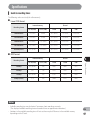
Close the battery cover completely
by pushing the cover downwards
in direction A while sliding it in
direction B.
• Manganese batteries may not be used in this recorder.
• Be sure to turn off the recorder before replacing the
batteries. Unloading the batteries while the recorder is in
use may cause a malfunction such as corrupting the file,
etc. If you take out the batteries while recording, you will
lose your currently recorded file because the file header
will not be able to close.
• If it takes longer than 15 minutes to replace the
dead batteries or if you take the batteries in and out
repeatedly at short intervals, you may have to
re-enter the battery and time settings.
• Remove the batteries if you are not going to use
the recorder for an extended period of time.
• When you are playing a file from the built-in
speaker, the recorder may turn off depending
on the volume level due to the reduced voltage
output of the batteries even if [L] is displayed in
the battery indicator. In this case, lower the volume
of the recorder.
For customers in Germany:
Olympus has a contract with the GRS (Joint
Battery Disposal Association) in Germany to ensure
environmentally friendly disposal.
EN
15