1
•
•
1
2
3
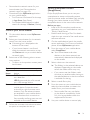
video is automatically displayed on your
TV, and
audio is automatically played on your home
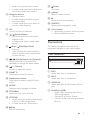
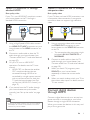
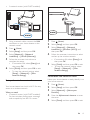
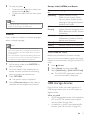
theater. Using a High Speed HDMI cable, connect
the HDMI OUT connector on your digital
device to the HDMI IN 1/2 on your home
theater.
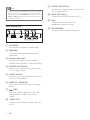
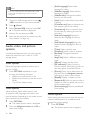
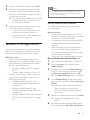
Connect your home theater to TV through
HDMI OUT (ARC).
• If the TV is not HDMI CEC compliant,
select the correct video input on your
TV.
On the connected device, turn on HDMICEC operations. For details, see the user
manual of the device.
• If you cannot hear the digital device
audio through your home theater, set
up the audio manually. (see 'Set up the
audio' on page 12)
• You can also press SOURCE on your
home theater repeatedly to select the
correct HDMI input.
Option 1: Connect audio through a
digital optical cable
Best quality audio
TV
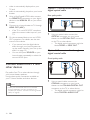
1
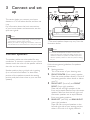
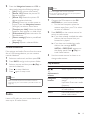
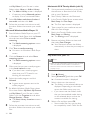
Using an optical cable, connect the
OPTICAL connector on your home
theater to the OPTICAL OUT connector
on the TV or other device.
• The digital optical connector might be
labeled SPDIF or SPDIF OUT.
Option 2: Connect audio through a
digital coaxial cable
Good quality audio
Connect audio from TV and
other devices
Play audio from TV or other devices through
your home theater speakers.
Use the best quality connection available on
your TV, home theater, and other devices.
Note
•• When your home theater and TV are connected
through HDMI ARC, an audio connection is not
required (see 'Option 1: Connect to TV through HDMI
(ARC)' on page 8).
10
EN
1
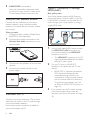
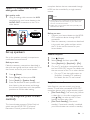
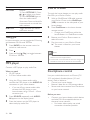
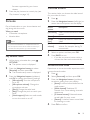
Using a coaxial cable, connect the
COAXIAL connector on your home
theater to the COAXIAL/DIGITAL OUT
connector on the TV or other device.
• The digital coaxial connector might be
labeled DIGITAL AUDIO OUT.