1
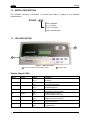
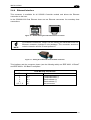
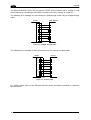
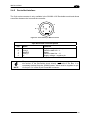
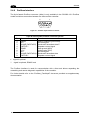
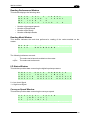
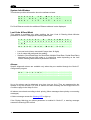
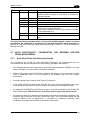
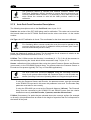
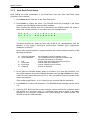
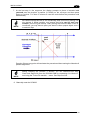
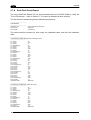
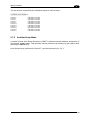
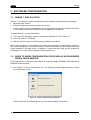
SC6000 2 System Info Window This window provides information about the software release. S R A C e d 6 l d 0 0 A r 0 P 1 L 7 6 _ 2 K S . T 0 M D 1 a _ 6 s 1 . t . 0 e 0 1 r 1 1 . x x x For Dual Ethernet models the additional Ethernet address is also displayed. Last Code & Read Mask This window is available only when enabling the Last Code & Reading Mask Window parameter in Genius. It displays the following data fields L > > G a A 1 s 2 D 0 t 5 C 6 0 % o 3 d 4 e 8 9 N 0 % & 3 3 R 2 e 5 M 0 % a 7 d 5 M 3 a 2 P 0 % s 4 k 5 7 Last read code (shown truncated if longer than 18 digits) List of nodes that performed the reading Statistics (Good Read Rate, No Read Rate, Multiple Read Rate, Partial Read Rate) calculated on the last 100 codes or in continuous mode depending on the Last Code & Reading Mask Window parameter selection. Alarms Specific diagnostic alarms are available only when they are enabled through the Genius™ configuration program. N o a l a r m s Up to four alarms can be displayed at a time (one per line). They are generated by the network or by the SC6000. For a list of alarms and their meaning see the Diagnostic Error Conditions page in the Help On-Line. All alarms are ordered according to their priority (failure messages have priority over warning messages). A failure message causes the Warning LED to light up. If the Display Warnings as Alarms parameter is enabled in Genius™, a warning message causes the Warning LED to blink. 26