1
Setting up the fax address book 5
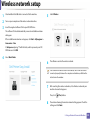
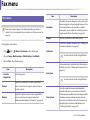
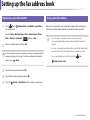
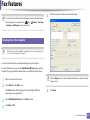
Editing speed dial numbers
1
Select
(fax) >
the control panel. (Address Book) > New&Edit > Speed Dial on
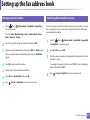
Registering a group dial number
1
Or select Setup > Machine Setup > Next > Address Book > Phone Book > View List > Individual .
2
3
4
5
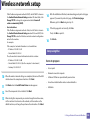
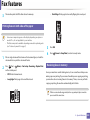
Enter the speed dial number you want to edit and press OK.
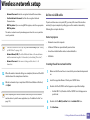
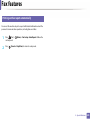
Select
(fax) >
the control panel. (Address Book) > New&Edit > Group Dial on
Or select Setup > Machine Setup > Next >Address Book > Phone Book > View List > Group>
2
(options)
> Add .
Enter a group dial number and press OK.
Change the name and press OK.
If an entry is already stored in the number you choose, the display shows the
message to allow you to change it. To start over with another speed dial
(Back).
number, press
Change the fax number and press OK.
Press
(Cancel or Stop/Clear) to return to ready mode.
3
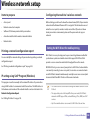
Search by entering the first few letters of the speed dial’s name to put in
the group.
4
5
6
7
Select the name and number you want and press OK.
8
Press
Select Yes when Add? appears.
Repeat step 3 to include other speed dial numbers into the group.
When you have finished, select No when Another No.? appears and
press OK.
(Cancel or Stop/Clear) to return to ready mode.
4. Special Features
206