1
Installing driver over the network
• If you install the driver using the supplied software CD, V4 driver is not
installed. If you want to use the V4 driver in the Desktop screen, you can
download from the Dell website, www.Dell.com >find your product >
Support or downloads.
• If you want to install Dell’s printer management tools, you need to install
them using the supplied software CD.
1
Make sure that the machine is connected to the network and powered
on. Also, your machine’s IP address should have been set (see "Setting IP
address" on page 138).
2
3
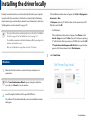
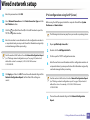
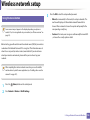
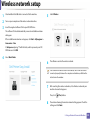
From Charms, select Settings > Change PC settings > Devices.
1
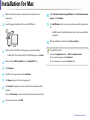
Make sure that the machine is connected to your network and powered
on.
2
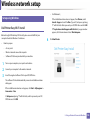
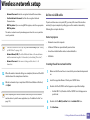
Insert the supplied software CD into your CD/DVD drive.
3
Double-click the CD/DVD icon that appears on your Mac desktop.
•
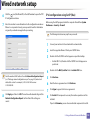
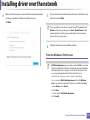
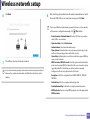
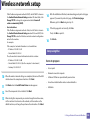
Click the model name or host name you wish to use.
You can print a Network Configuration Report from the machine’s control panel that will show the current machine’s host name.
5
Mac
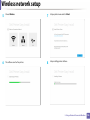
Click Add a device.
Discovered machines will be shown on the screen.
4
5
The driver is automatically installed from the Windows Update.
4
5
6
7
8
For Mac OS X 10.8, double-click the CD/DVD that appears on Finder.
Double-click the MAC_Installer folder > Installer OS X icon.
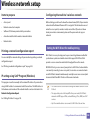
Click Continue.
Read the license agreement and click Continue.
Click Agree to agree to the license agreement.
Click Install. All components necessary for machine operations will be
installed.
If you click Customize, you can choose individual components to install.
2. Using a Network-Connected Machine
143