1
Contents
Connections
Playback
Settings
Tips
Appendix
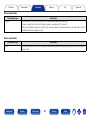
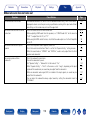
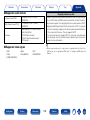
22File names on the iPod/USB memory device are not displayed properly
Symptom
The file names are not displayed
properly (“...”, etc.).
Cause/Solution
Page
•Characters that cannot be displayed are used. This is not a malfunction. On this unit, characters
that cannot be displayed are replaced with a “.” (period).
–
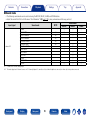
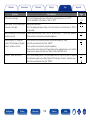
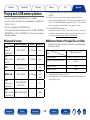
22The Internet radio cannot be played back
Symptom
Cause/Solution
Page
A list of broadcasting stations is not
displayed.
•The LAN cable is not properly connected, or the network is disconnected. Check the
connection status.
•Perform the network diagnostic mode.
36
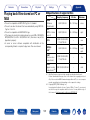
Internet Radio cannot be played.
•The selected radio station is broadcasting in a format that is not supported by this unit.
Formats that can be played back in this unit are MP3, WMA and AAC.
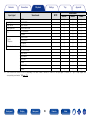
•The firewall function is enabled on the router. Check the firewall setting.
•The IP address is not properly set.
•Check the power of the router is on.
•To obtain the IP address automatically, enable the DHCP server function on the router. Also,
set the DHCP setting to “On” on this unit.
•To obtain the IP address manually, set the IP address and proxy on this unit.
•Some radio stations broadcast silently during some time period. In this case, no audio is
output. Wait for a while and select the same radio station, or select another radio station.
168
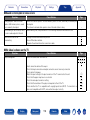
Cannot connect to favorite radio
stations.
•Radio station is not currently in service. Register radio stations in service.
For some radio stations, “Connection •The selected radio station is not in service. Select a radio station in service.
down” is displayed and station cannot
be connected to.
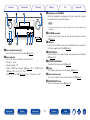
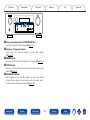
Front panel
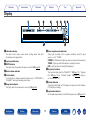
Display
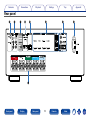
Rear panel
159
Remote
Index
–
–
139
–
139
139, 140
58
–
–