1
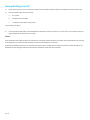
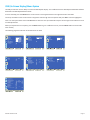
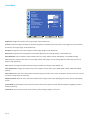
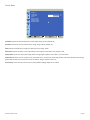
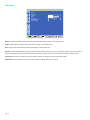
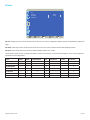
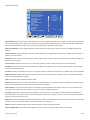
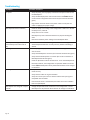
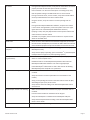
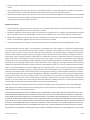
PIP menu PIP PIP SIZE PIP AUDIO PIP RESET < < Sel <> SMALL MAIN Adjust Enter Back Quit PIP Size: changes the size of the PiP window used in the Corner-to-Corner configuration. Options include: Small (default), Middle and Large. PIP Audio: switches the audio source from the main source to the PiP source. Options include: Main (default) and Sub. PIP Reset: resets all PIP menu items to factory default settings. Options: Yes and No. The PiP feature allows the user to display two distinct sources simultaneously on the InFocus Mondopad™. These are the supported combinations and configurations: Input HDMI1 HDMI2 PC/Mondopad VGA Component S-video Composite HDMI1 HDMI2 PC/Mondopad VGA Component S-video Composite INF5520 Hardware Guide Page 25