1
17 WAN
Teldat GmbH
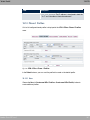
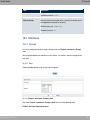
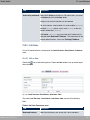
17.3.1.1 Edit
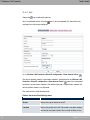
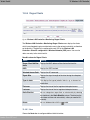
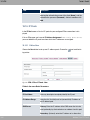
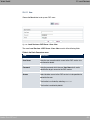
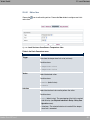
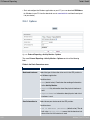
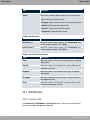
Choose the
button to edit the configuration of the corresponding leased line for a BRI
interface.
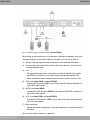
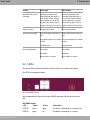
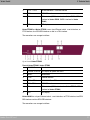
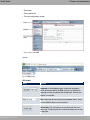
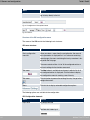
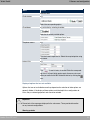
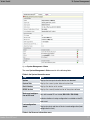
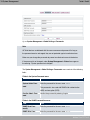
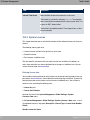
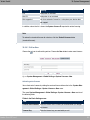
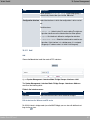
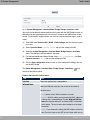
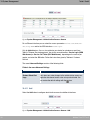
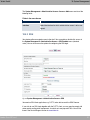
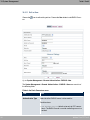
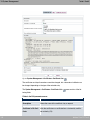
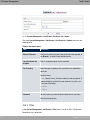
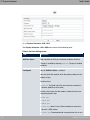
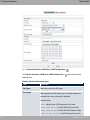
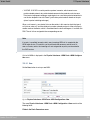
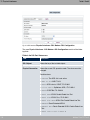
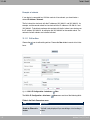
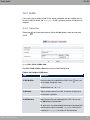
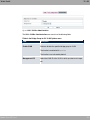
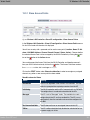
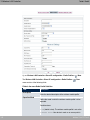
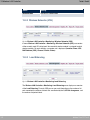
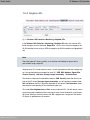
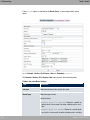
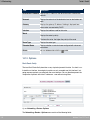
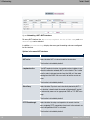
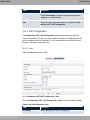
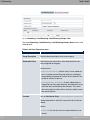
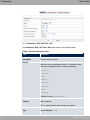
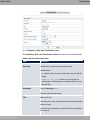
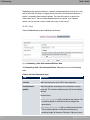
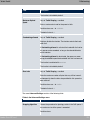
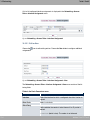
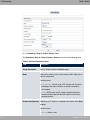
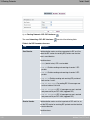
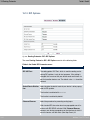
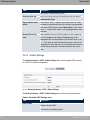
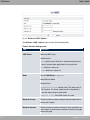
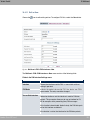
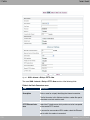
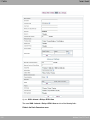
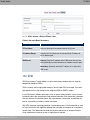
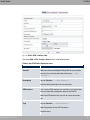
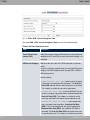
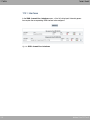
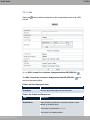
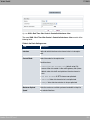
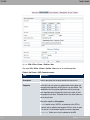
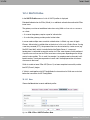
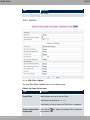
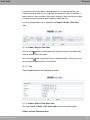
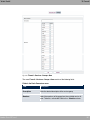
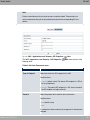
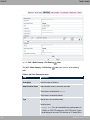
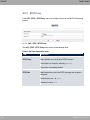
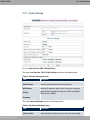
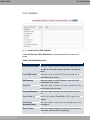
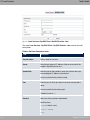
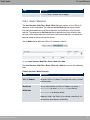
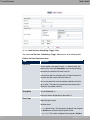
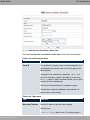
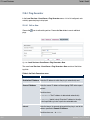
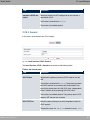
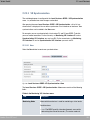
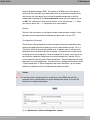
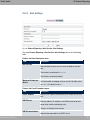
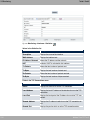
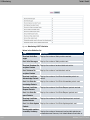
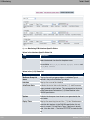
Fig. 126: WAN ->Leased Line->Interfaces->Autogenerated from BRI (ISDN-S0) ->
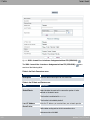
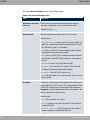
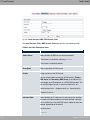
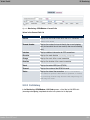
The WAN->Leased Line->Interfaces->Autogenerated from BRI (ISDN-S0)->
menu
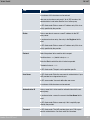
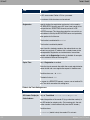
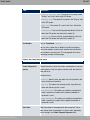
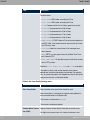
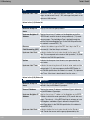
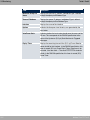
consists of the following fields:
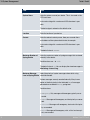
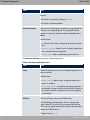
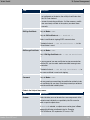
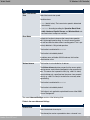
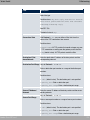
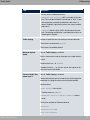
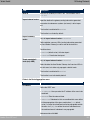
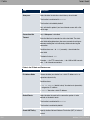
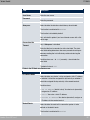
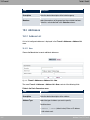
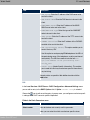
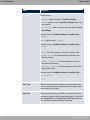
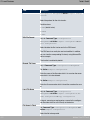
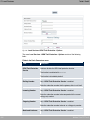
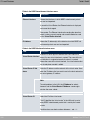
Fields in the Basic Parameters menu.
Field
Description
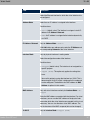
Description
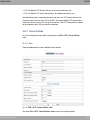
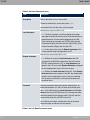
Enter the desired description for the connection.
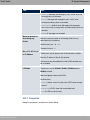
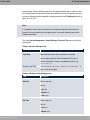
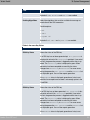
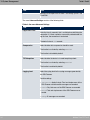
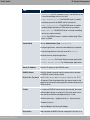
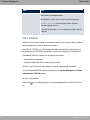
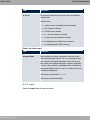
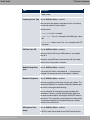
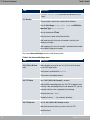
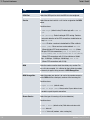
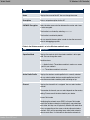
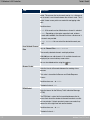
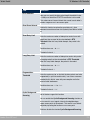
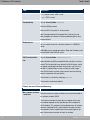
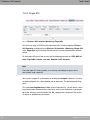
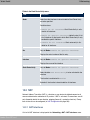
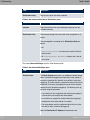
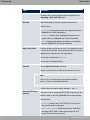
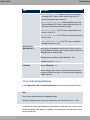
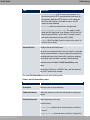
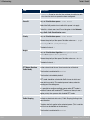
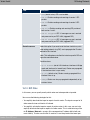
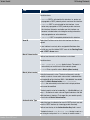
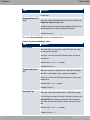
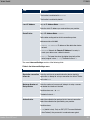
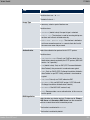
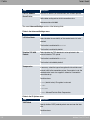
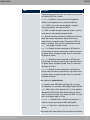
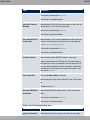
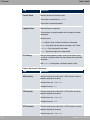
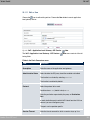
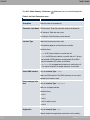
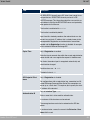
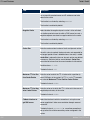
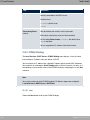
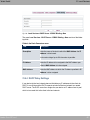
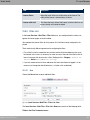
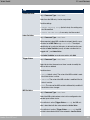
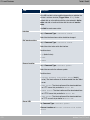
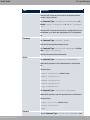
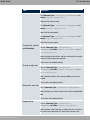
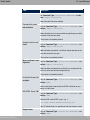
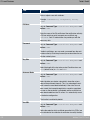
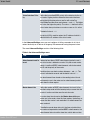
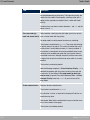
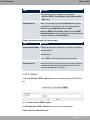
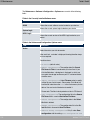
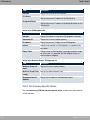
Fields in the IP Mode and Routes menu.
Field
Description
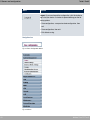
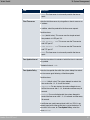
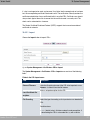
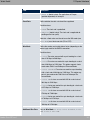
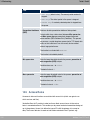
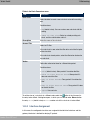
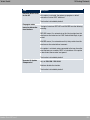
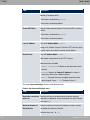
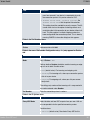
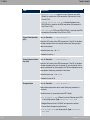
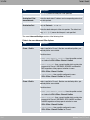
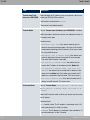
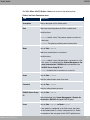
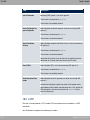
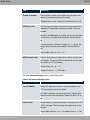
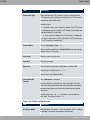
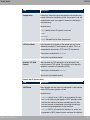
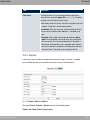
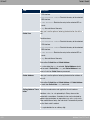
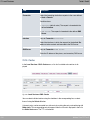
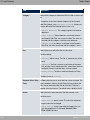
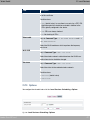
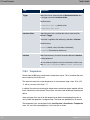
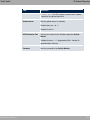
Default Route
Select whether the route to this connection partner is to be
defined as the default route.
The function is enabled with , .
The function is disabled by default.
bintec Rxxx2/RTxxx2
317