1
18 VPN
Teldat GmbH
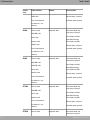
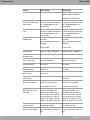
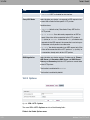
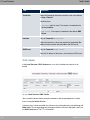
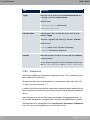
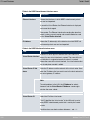
Field
Description
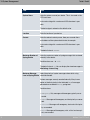
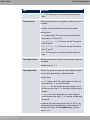
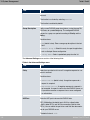
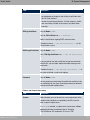
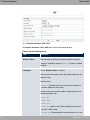
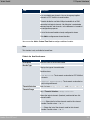
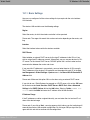
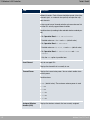
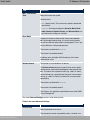
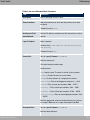
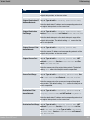
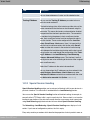
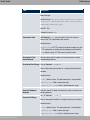
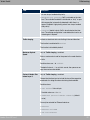
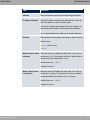
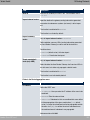
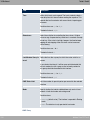
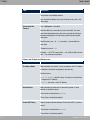
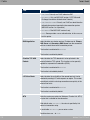
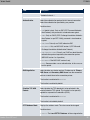
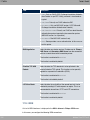
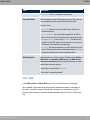
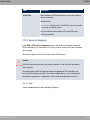
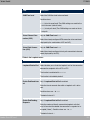
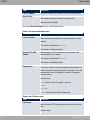
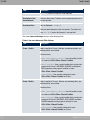
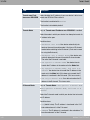
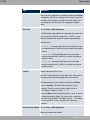
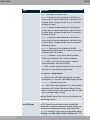
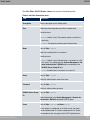
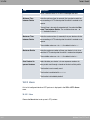
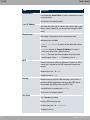
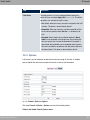
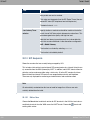
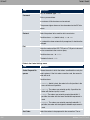
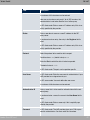
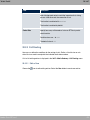
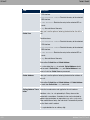
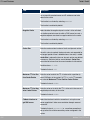
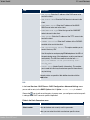
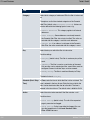
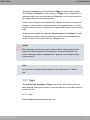
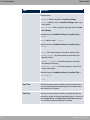
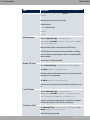
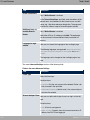
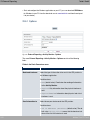
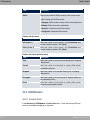
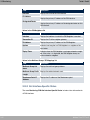
• % ": The lower the value, the higher the priority of the
route (possible values ). The default value is .
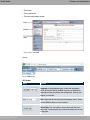
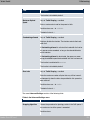
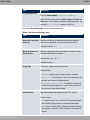
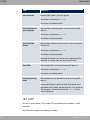
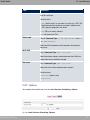
IP Assignment Pool
(IPCP)
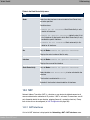
Only if PPTP Mode = '*, IP Address Mode = - ##
Select a IP pool configured in the VPN->PPTP->IP Pools
menu.
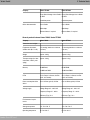
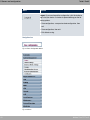
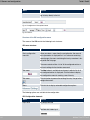
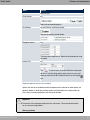
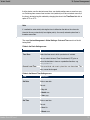
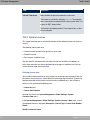
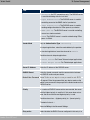
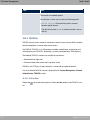
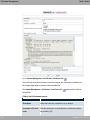
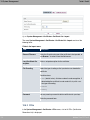
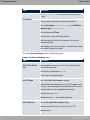
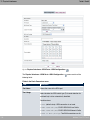
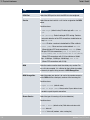
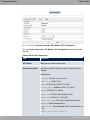
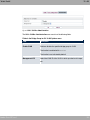
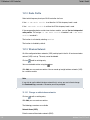
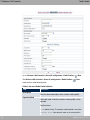
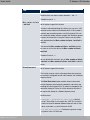
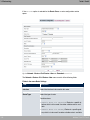
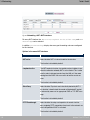
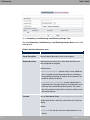
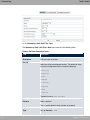
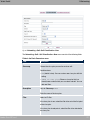
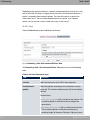
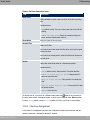
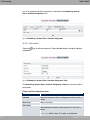
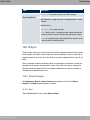
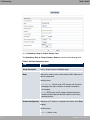
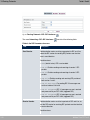
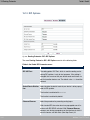
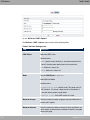
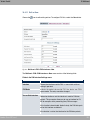
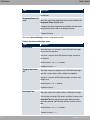
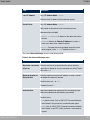
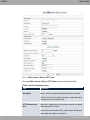
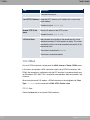
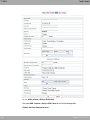
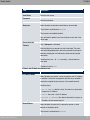
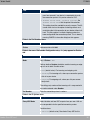
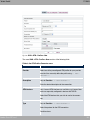
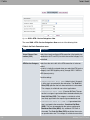
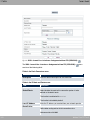
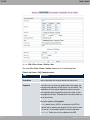
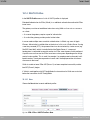
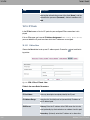
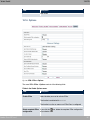
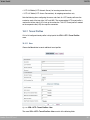
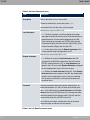
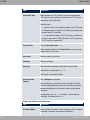
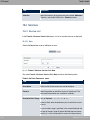
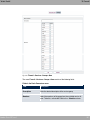
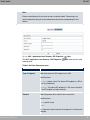
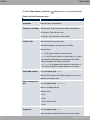
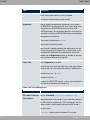
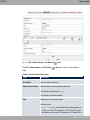
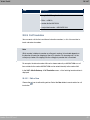
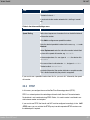
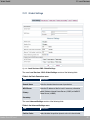
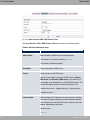
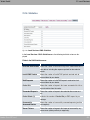
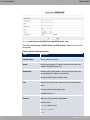
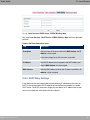
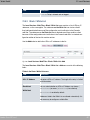
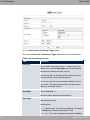
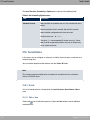
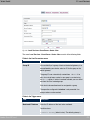
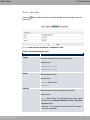
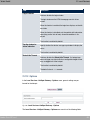
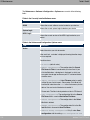
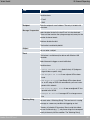
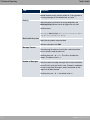
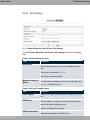
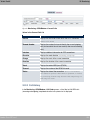
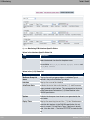
The menu Advanced Settings consists of the following fields:
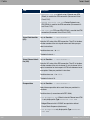
Fields in the Advanced Settings menu.
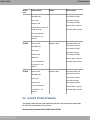
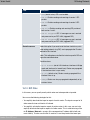
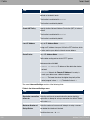
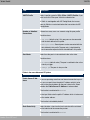
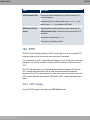
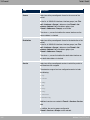
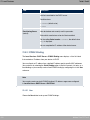
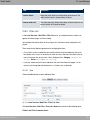
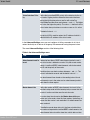
Field
Description
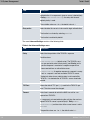
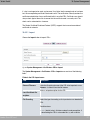
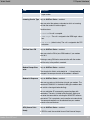
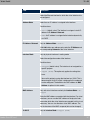
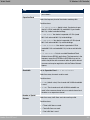
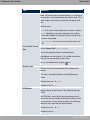
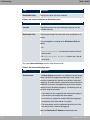
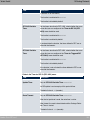
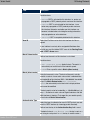
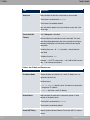
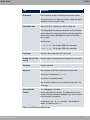
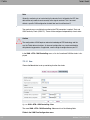
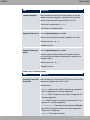
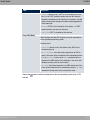
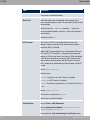
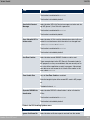
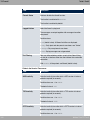
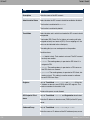
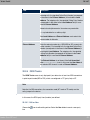
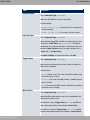
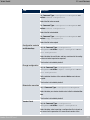
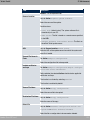
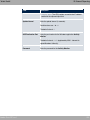
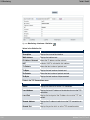
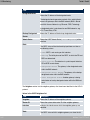
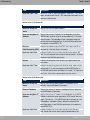
Block after connection
Enter the wait time in seconds before the device should try
failure for
again after an attempt to set up a connection has failed.
The default value is $.
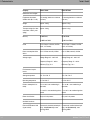
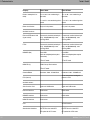
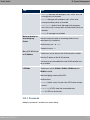
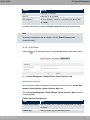
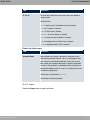
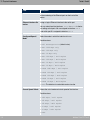
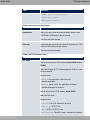
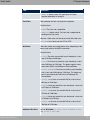
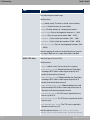
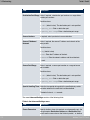
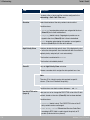
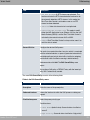
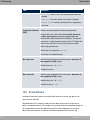
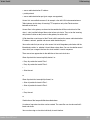
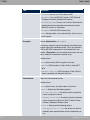
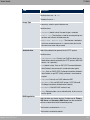
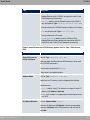
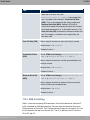
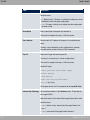
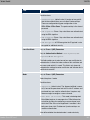
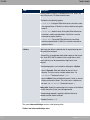
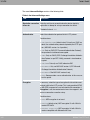
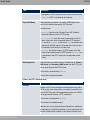
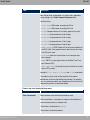
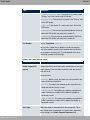
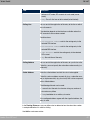
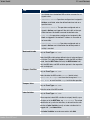
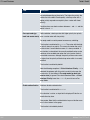
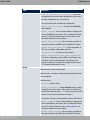
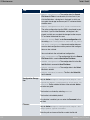
Authentication
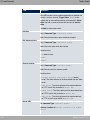
Select the authentication protocol for this PPTP partner.
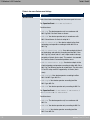
Possible values:
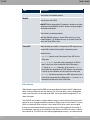
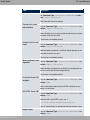
• -: Only run PAP (PPP Password Authentication Protocol);
the password is transferred unencrypted.
• 2?-: Only run CHAP (PPP Challenge Handshake Authentication Protocol as per RFC 1994); password is transferred encrypted.
• -52?-: Primarily run CHAP, otherwise PAP.
• %*2?- : Only run MS-CHAP version 1 (PPP Microsoft
Challenge Handshake Authentication Protocol).
• -52?-5%*2?-: Give priority to CHAP, if refused use
the authentication protocol requested by the PPTP partner.
(MSCHAP version 1 or 2 possible.)
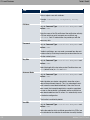
• %*2?-
(default value): Run MS-CHAP version 2 only.
• ' : Some providers use no authentication. In this case, select this option.
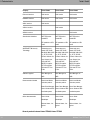
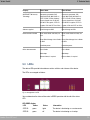
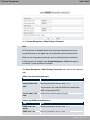
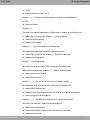
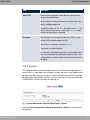
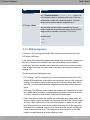
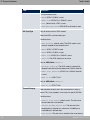
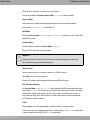
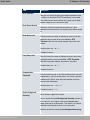
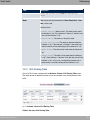
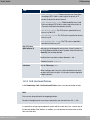
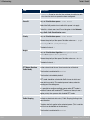
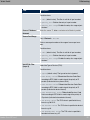
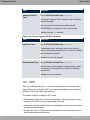
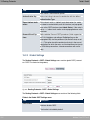
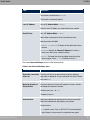
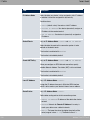
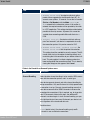
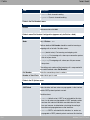
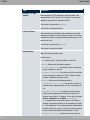
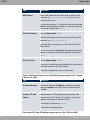
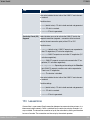
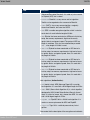
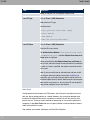
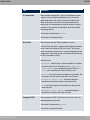
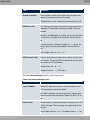
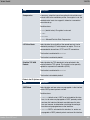
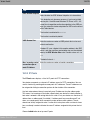
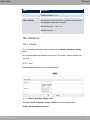
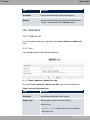
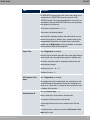
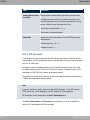
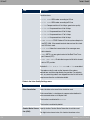
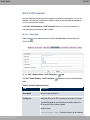
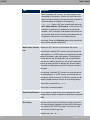
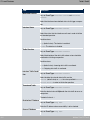
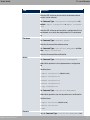
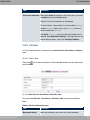
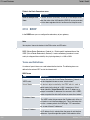
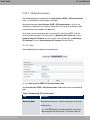
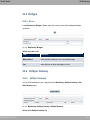
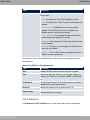
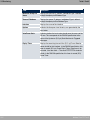
Encryption
bintec Rxxx2/RTxxx2
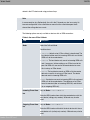
If necessary, select the type of encryption that should be used
for data traffic to the connection partner. If Encryption is set,
the remote terminal must also support it, otherwise a connection
cannot be set up.
375