1
21 Local Services
Teldat GmbH
21.7.2 Actions
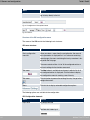
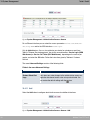
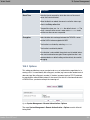
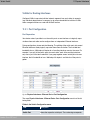
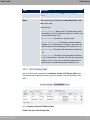
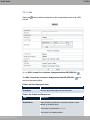
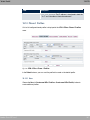
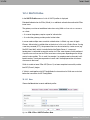
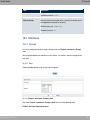
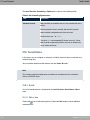
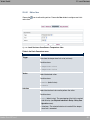
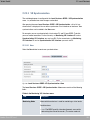
In the Local Services->Scheduling->Actions menu is displayed a list of all operations to
be initiated by events or event chains configured in Local
Services->Scheduling->Trigger.
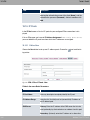
21.7.2.1 New
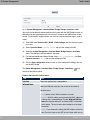
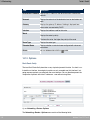
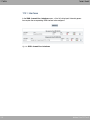
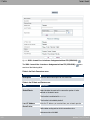
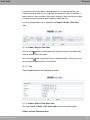
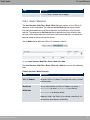
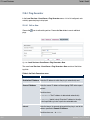
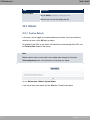
Choose the New button to configure additional operations.
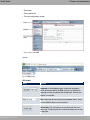
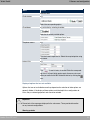
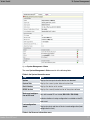
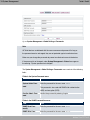
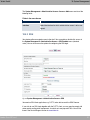
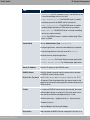
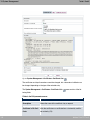
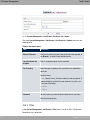
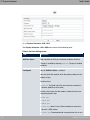
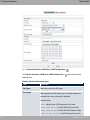
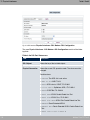
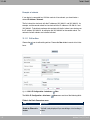
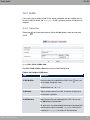
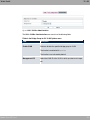
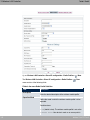
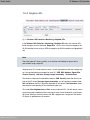
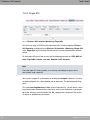
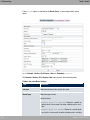
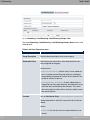
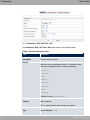
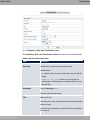
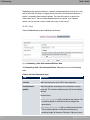
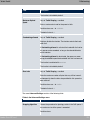
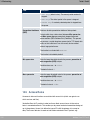
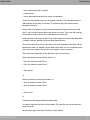
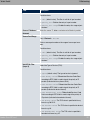
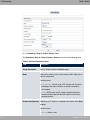
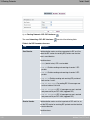
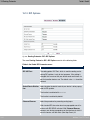
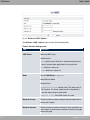
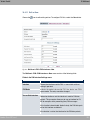
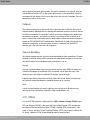
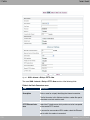
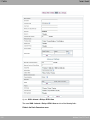
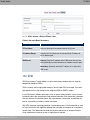
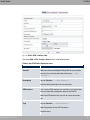
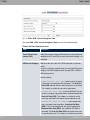
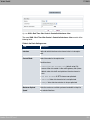
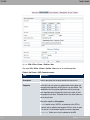
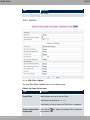
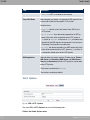
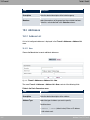
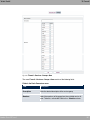
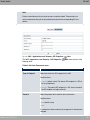
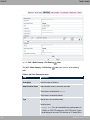
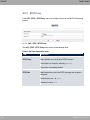
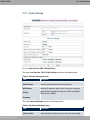
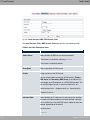
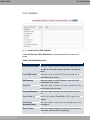
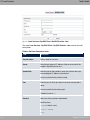
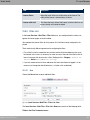
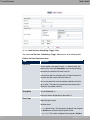
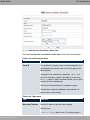
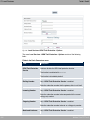
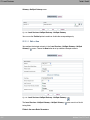
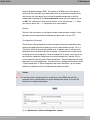
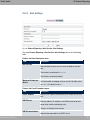
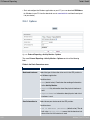
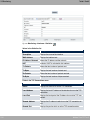
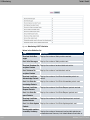
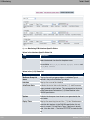
Fig. 185: Local Services->Scheduling->Actions->New
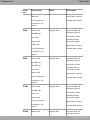
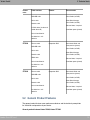
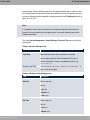
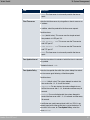
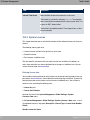
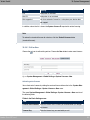
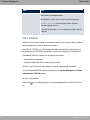
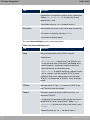
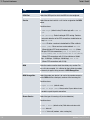
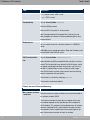
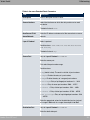
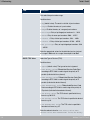
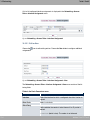
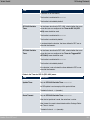
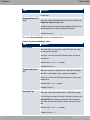
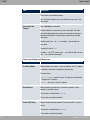
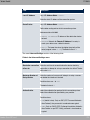
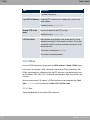
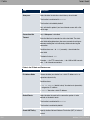
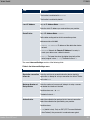
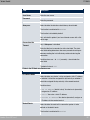
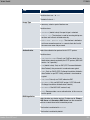
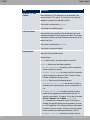
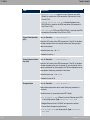
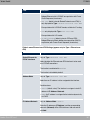
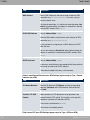
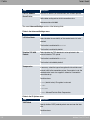
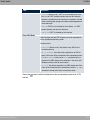
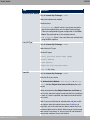
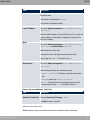
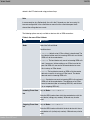
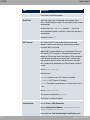
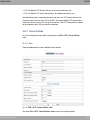
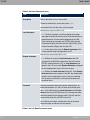
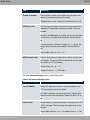
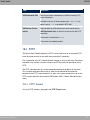
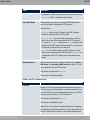
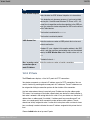
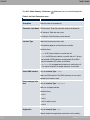
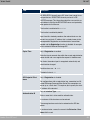
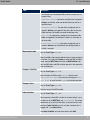
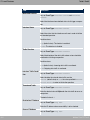
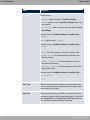
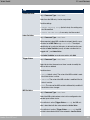
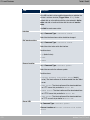
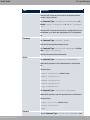
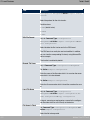
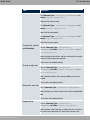
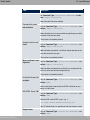
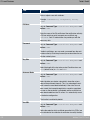
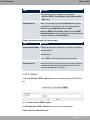
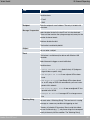
The menu Local Services->Scheduling->Actions->New consists of the following fields:
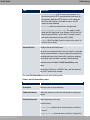
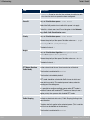
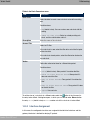
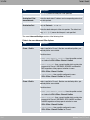
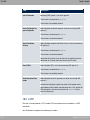
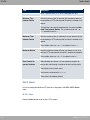
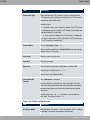
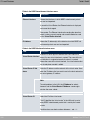
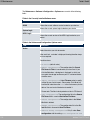
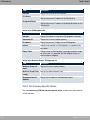
Fields in the Basic Parameters menu.
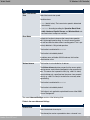
Field
Description
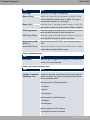
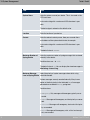
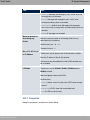
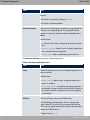
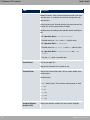
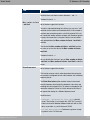
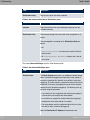
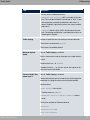
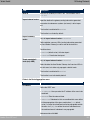
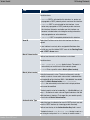
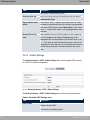
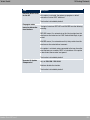
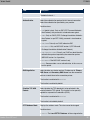
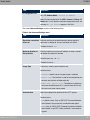
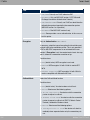
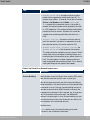
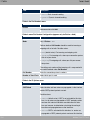
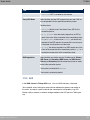
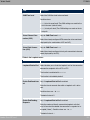
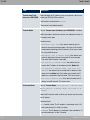
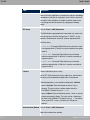
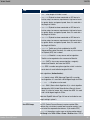
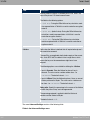
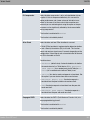
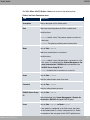
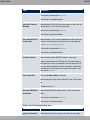
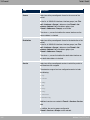
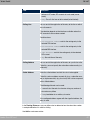
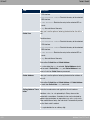
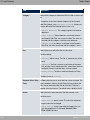
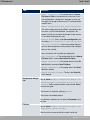
Command Type
Description
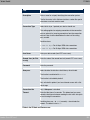
Enter your chosen designation for the action.
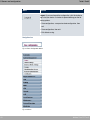
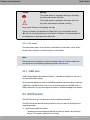
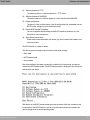
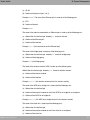
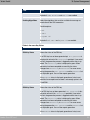
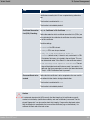
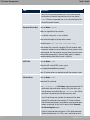
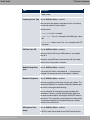
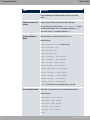
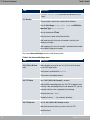
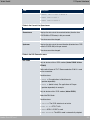
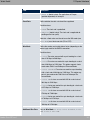
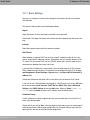
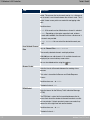
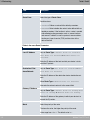
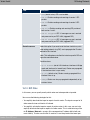
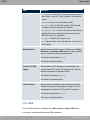
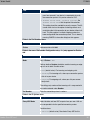
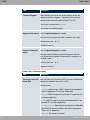
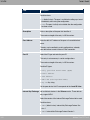
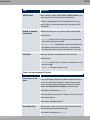
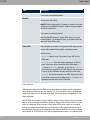
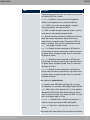
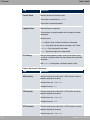
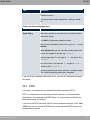
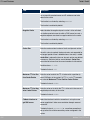
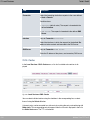
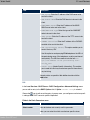
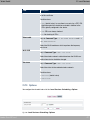
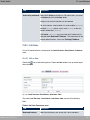
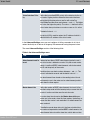
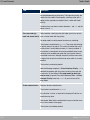
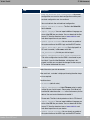
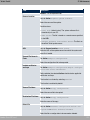
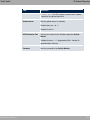
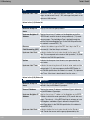
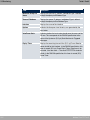
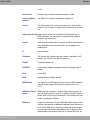
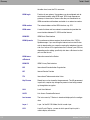
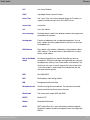
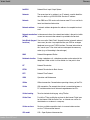
Select the desired action.
Possible values:
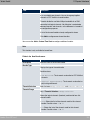
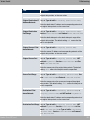
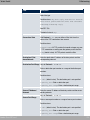
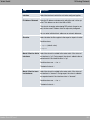
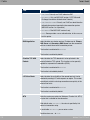
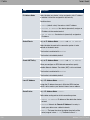
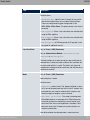
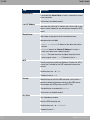
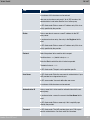
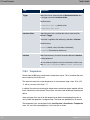
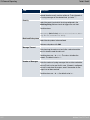
• @ (default value): Your device is rebooted.
• %=5*'%: The desired value is entered for a MIB variable.
• !"
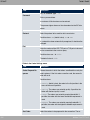
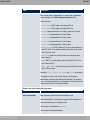
*3#: The status of an interface is modified.
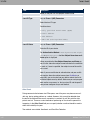
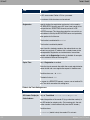
• 8, *3#: The status of an WLAN-SSID is modified.
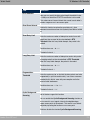
• * !1
0) : A software update is initiated.
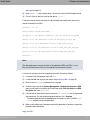
• 2 ! 3 % : A configuration file is loaded
onto your device or backed up by your device.
bintec Rxxx2/RTxxx2
467