1
a)
b)
c)
d)
e)
f)
g)
h)
i)
j)
k)
l)
m)
SD memory card
express card
battery
access panel
keyboard trim
keyboard
optical drive
hard drive
WLAN card
right base panel
thermal module
palm rest
display assembly
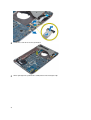
3.
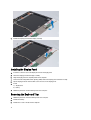
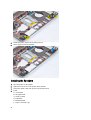
Remove the screws that secure the left support frame to the computer.
4.
Lift the left support frame away from the computer.
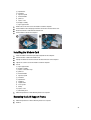
Installing the Left Support Frame
1.
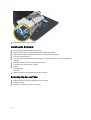
Place the left support frame on the computer.
2.
Tighten the screws to secure the left support frame to the computer.
3.
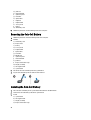
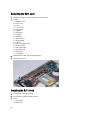
Install:
a)
b)
c)
d)
e)
f)
g)
h)
i)
j)
k)
36
display assembly
palm rest
thermal module
right base panel
WLAN card
hard drive
optical drive
keyboard
keyboard trim
access panel
battery