1
ioLogik E1200 Series
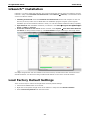
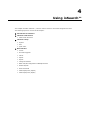
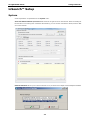
Using ioSearch™
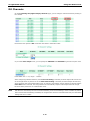
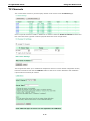
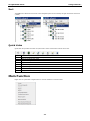
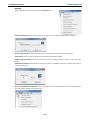
Sort
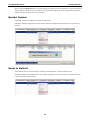
The Sort menu allows the server list in the navigation panel to be sorted by ioLogik connection and server
(model).
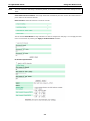
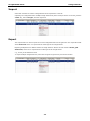
Quick Links
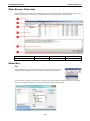
Quick links are provided to search for I/O servers on the network and sort the server list.
1
Automatically search the local network
2
Sort by ioLogik E1200’s IP address (connection)
3
Sort by ioLogik E1200 model
4
Locate an ioLogik E1200
5
Upgrade Firmware
6
Import settings
7
Export settings
8
Unlock an ioLogik E1200 which is password protected
9
Change IP Address of an ioLogik E1200
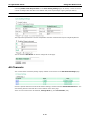
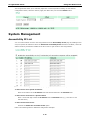
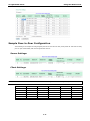
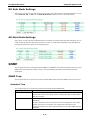
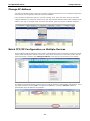
Main Function
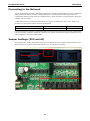
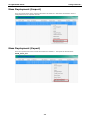
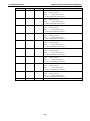
Right click on a particular ioLogik E1200 to view the ioSearch™ function menu.
4-4