1
To create a video file of the entire project
1
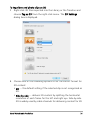
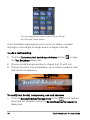
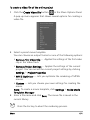
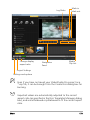
Click the Create Video File button
in the Share Options Panel.
A pop-up menu appears that shows several options for creating a
video file.
2
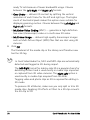
Select a preset movie template.
You can choose an output format or one of the following options:
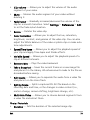
• Same as First Video Clip — Applies the settings of the first video
clip in the Video Track.
• Same as Project Settings — Applies the settings of the current
project. You can access the current project settings by clicking
Settings > Project Properties.
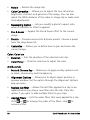
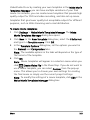
• MPEG Optimizer — Lets you optimize the rendering of MPEG
movies.
• Custom — Lets you choose your own settings for creating the
movie.
Note: To create a movie template, click Settings > Make Movie
Templates Manager.
3
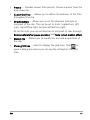
Enter a file name and click Save. The movie file is saved in the
current library.
Press the Esc key to abort the rendering process.
Share
171