1
RocketRAID 2322 Driver and Software Installation
Modify a Connection
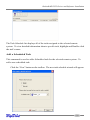
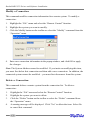
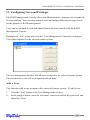
This command modifies connection information for a remote system. To modify a
connection:
1.
2.
3.
Highlight the “File” menu and select the “Remote Control” function.
Highlight the system you want to modify.
Click the Modify button on the toolbar or select the “Modify” command from the
“Operation” menu.
4.
Enter new connection information in the popup window, and click OK to apply
the changes.
Note: The System Address cannot be modified. If you insist on modifying this item,
you must first delete this connection and then add a new connection. In addition, the
connected system cannot be modified – you must first disconnect from this system.
Delete a Connection
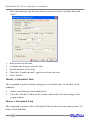
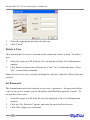
This command deletes a remote system from the connection list. To delete a
connection:
1.
2.
3.
4.
Highlight the “File” menu and select the “Remote Control” function.
Highlight the system you want to delete.
Click the “Delete” button on the toolbar or select the “Delete” command from
the “Operation” menu.
A warning message will be displayed. Click “Yes” to delete the item. Select No
to cancel this command.
4-19