1
Table of Contents
Driver and Software CD ............................................................................................... 4-1
Windows Driver Installation ....................................................................................... 4-3
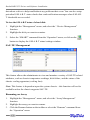
1 - Installing the RAID Management Console/ Interface Overview ..................... 4-4
2 - Software Interface - Overview of commands/functions .................................... 4-5
3 - Creating an Array .....................................................................................................4-7
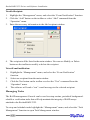
4 - Deleting an Array .....................................................................................................4-9
5 - Configuring Spare Disks .........................................................................................4-9
6 - Recovering/Verifying Arrays ................................................................................. 4-10
7 - OCE/ORLM ...............................................................................................................4-11
8 - Misc. Array/Device Options .................................................................................. 4-12
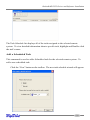
9 - Managing Events .................................................................................................... 4-14
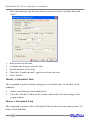
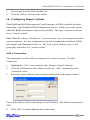
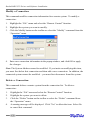
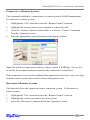
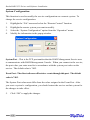
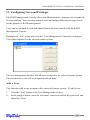
10 - Configuring Remote Systems .............................................................................. 4-18
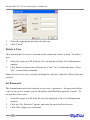
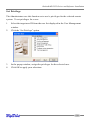
11 - Configuring Users and Privileges ....................................................................... 4-22
Chapter 5
Linux Driver Support
Fedora Core 4 Linux installation Overview ............................................................... 5-1
Red Hat Enterprise 4 Overview ................................................................................... 5-5
SuSE Linux Enterprise Server (SLES) installation Overview .................................. 5-10
Chapter 6
FreeBSD Driver Support
1 - Installing FreeBSD on the RocketRAID 2322 Controller ................................... 6-1
2 - Installing the RocketRAID 2322 Driver on an Existing System ........................ 6-4
3 - Updating the Driver .................................................................................................6-7
4 - Uninstalling the Driver ............................................................................................6-7
Appendix
Customer Support
Customer Support ......................................................................................................... A-1
II