1
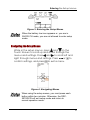
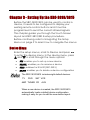
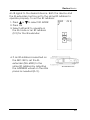
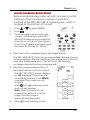
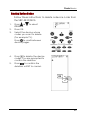
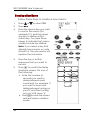
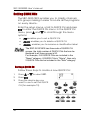
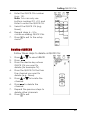
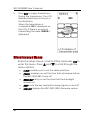
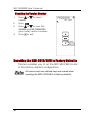
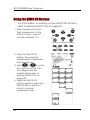
Entering the Setup Menus
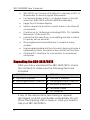
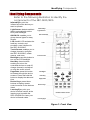
Figure 3: Entering the Setup Menus
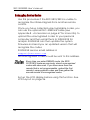
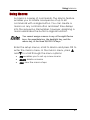
When the battery low icon appears or you are in
QUICK CH mode, you are not allowed to enter setup
mode.
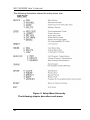
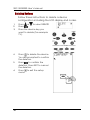
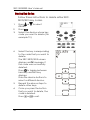
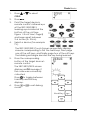
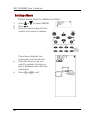
Navigating the Setup Menus
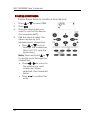
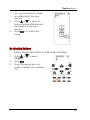
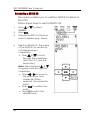
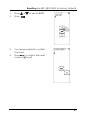
While in the setup menus, press
and
on the
Touch Screen to scroll up and down through the
menus and settings. Press and to scroll left and
right through menus and settings. Press
or
to
confirm settings, and press
to exit a menu.
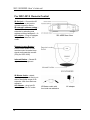
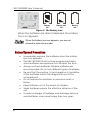
Figure 4: Navigating Menus
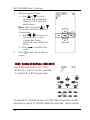
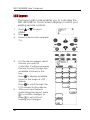
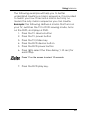
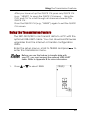
When using the setup menus, you must press each
button within two minutes. Otherwise, the SRC3810/3815 will exit setup mode and return to
normal operation mode.
9