1
5.4. Camera Actions
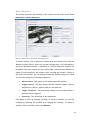
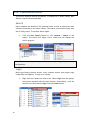
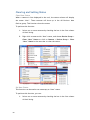
This section displays camera information, including the IP, Name, Model, MAC
Address, Status and Network Mask.
Search
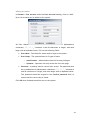
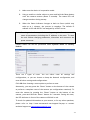
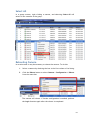
Search updates the details for the cameras listed, as well as locates any new
cameras connected on the same subnet. The search is performed every time
the IP utility starts. To perform search again:
1.
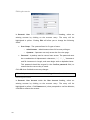
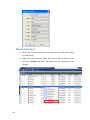
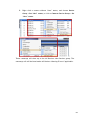
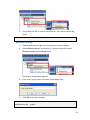
Click the Auto Search button or click Camera > Search in the
menus. The search will begin, and a status bar will display the
search progress.
Note: The search may take up to 2 minutes, depending on your network
configuration.
Login
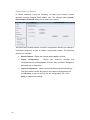
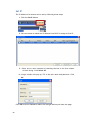
Before performing camera actions, most cameras require that proper login
credentials are supplied. To login to a camera:
1.
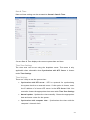
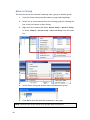
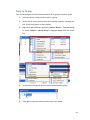
Right click the camera you wish to set. Select Login from the popup,
the system responds with the Login window. Alternatively, click the
camera entry and choose Login from the Camera menu.
78