1
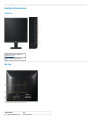
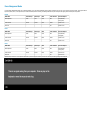
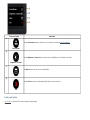
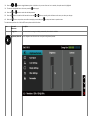
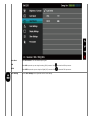
Front panel button
Description
A
Use the Up button to adjust (increase ranges) items in the OSD menu.
Up
B
Use the Down button to adjust (decrease ranges) items in the OSD menu.
Down
C
Use the OK button to confirm your selection.
OK
D
Use the Back button to go back to the previous menu.
Back
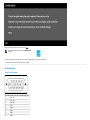
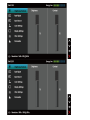
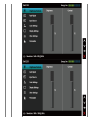
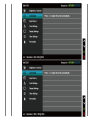
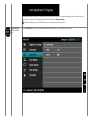
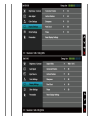
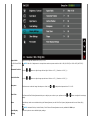
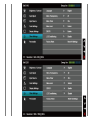
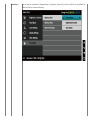
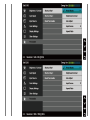
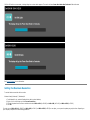
Using the On-Screen Display (OSD) Menu
Accessing the Menu System
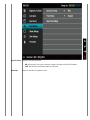
NOTE: If you change the settings and then either proceed to another menu or exit the OSD menu, the monitor automatically saves those changes. The changes are also
saved if you change the settings and then wait for the OSD menu to disappear.