1
xStack® DGS-3120 Series Managed Switch Web UI Reference Guide
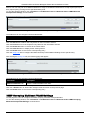
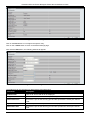
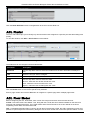
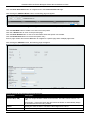
Click the Apply button to accept the changes made.
Bandwidth Control
The bandwidth control settings are used to place a ceiling on the transmitting and receiving data rates for any
selected port.
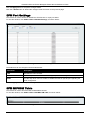
Bandwidth Control Settings
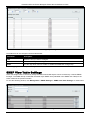
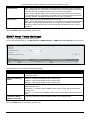
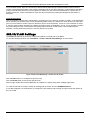
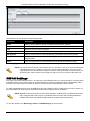
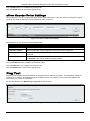
The Effective RX/TX Rate refers to the actual bandwidth of the switch port, if it does not match the configured rate.
This usually means that the bandwidth has been assigned by a higher priority resource, such as a RADIUS server.
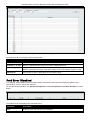
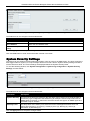
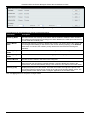
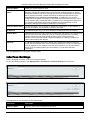
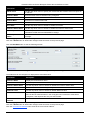
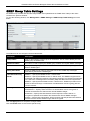
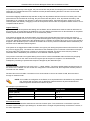
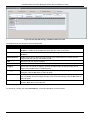
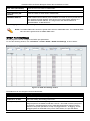
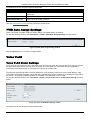
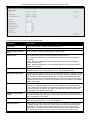
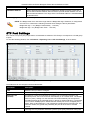
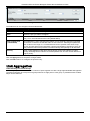
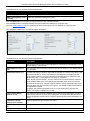
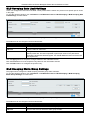
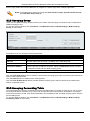
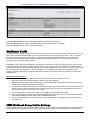
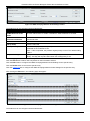
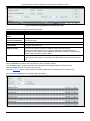
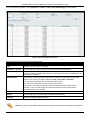
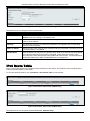
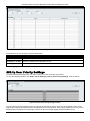
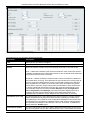
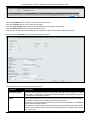
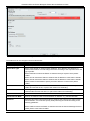
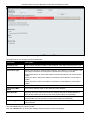
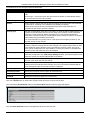
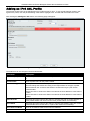
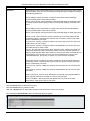
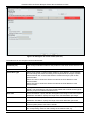
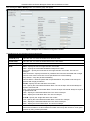
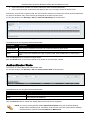
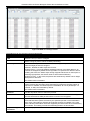
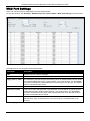
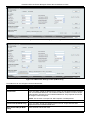
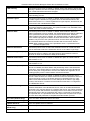
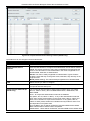
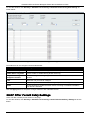
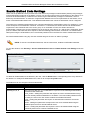
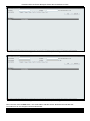
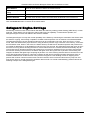
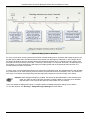
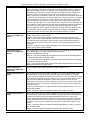
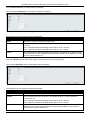
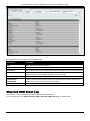
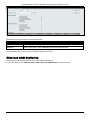
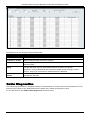
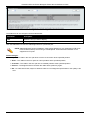
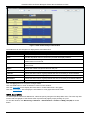
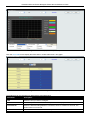
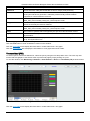
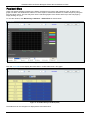
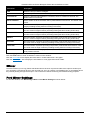
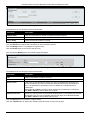
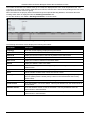
To view the following window, click QoS > Bandwidth Control > Bandwidth Control Settings, as show below:
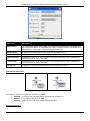
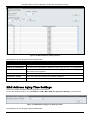
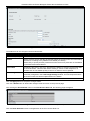
Figure 6-4 Bandwidth Control Settings window
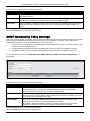
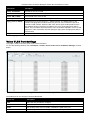
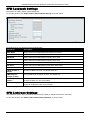
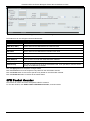
The fields that can be configured or displayed are described below:
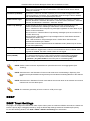
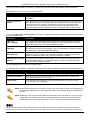
Parameter
Description
Unit
Select the unit you want to configure.
From Port / To Port
Use the drop-down menu to select the port range to use for this configuration.
Type
This drop-down menu allows a selection between RX (receive), TX (transmit), and
Both. This setting will determine whether the bandwidth ceiling is applied to receiving,
transmitting, or both receiving and transmitting packets.
No Limit
This drop-down menu allows the user to specify that the selected port will have no
bandwidth limit or not.
NOTE: If the configured number is larger than the port speed, it means no bandwidth
limit.
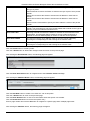
Rate (64-1024000)
This field allows the input of the data rate that will be the limit for the selected port. The
user may choose a rate between 64 and 1024000 Kbits per second.
147