1
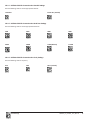
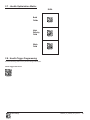
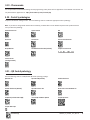
4.3 - Backlight Intensity Settings
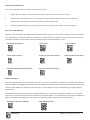
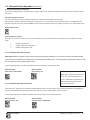
Scan the following codes to set the intensity of the CR3500’s backlight with High being the brightest and Low being the dimmest:
Low
Med - Default
High
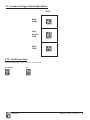
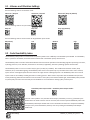
4.4 - Backlight Timeout Settings
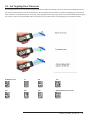
Scan the following codes to set the backlight settings:
Backlight Off
3 seconds (Default)
6 seconds
10 seconds
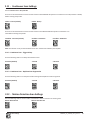
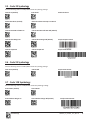
4.5 - Targeting Settings
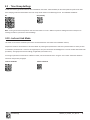
Scan the following codes to turn targeting on/off:
On (Default)
Off
4.6 - Reader Power Off Settings
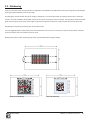
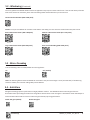
Scan the following codes to set the amount of time before a reader powers off:
1 Hour
Save Settings
2 Hours - Default
4 Hours
C004387_07_CR3500_ User_Manual - 45