1
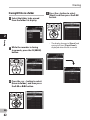
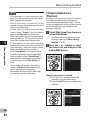
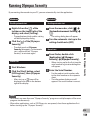
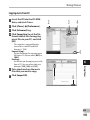
Using Windows Media Player
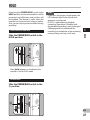
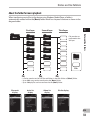
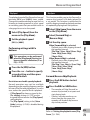
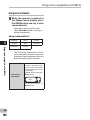
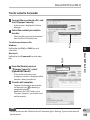
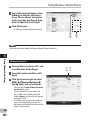
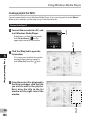
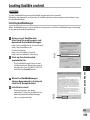
*1If [Create folder hierarchy on
device] is checked by default, click
to uncheck the box once, and click it
again to check.
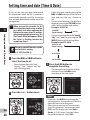
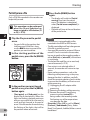
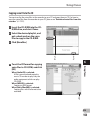
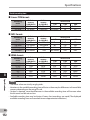
*2After the synchronous transfer to the
recorder, a file named “WMPInfo.xml”
is created. If you delete this file, the *1
may need to be set again.
3
5
Using Windows Media Player
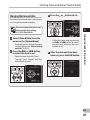
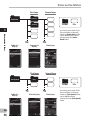
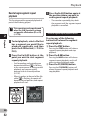
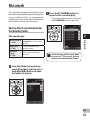
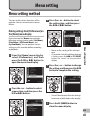
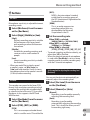
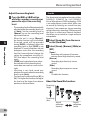
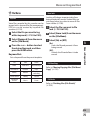
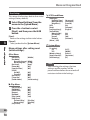
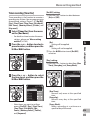
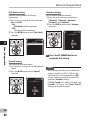
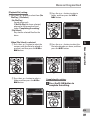
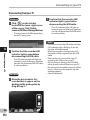
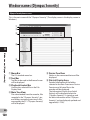
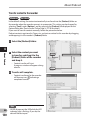
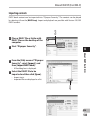
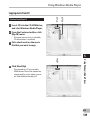
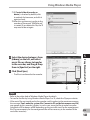
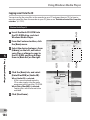
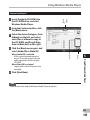
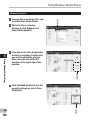
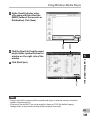
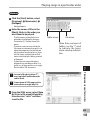
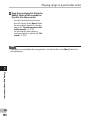
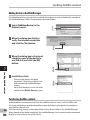
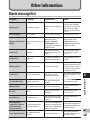
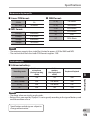
4 Select the desired category from
[Library] on the left, and select
music files or albums to transfer
to the recorder, and Drag & Drop
them in [Sync List] on the right.
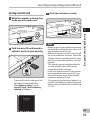
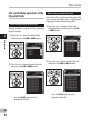
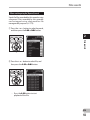
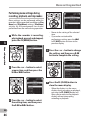
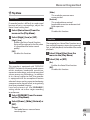
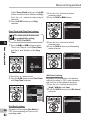
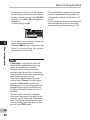
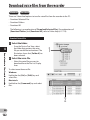
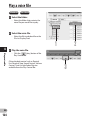
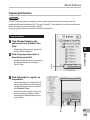
5 Click [Start Sync].
• The file is transferred to the recorder.
4
•
•
•
5
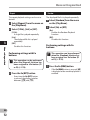
Notes
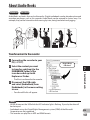
Refer to the online help of Windows Media Player for details.
To transfer the files by using Windows Media Player 9 or 10, check the Olympus website.
If the music files are transferred to the recorder until it reaches to the maximum memory,
the message [Can’t make the system file. Connect to PC and delete unnecessary file]
may appear on this recorder’s display. In such a case, erase the files to make free space
(hundreds of KB to dozens of MB depending on the music file sizes) for the management
file (The more capacity for the management file will be necessary as the number of the
music files increases).
EN
143