1
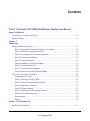
Contents
Push 2 TV Adapter (PTV1000)/Intel Wireless Display User Manual
About This Manual
Conventions, Formats, and Scope ................................................................................... ix
Revision History ................................................................................................................. x
Chapter 1
Connecting
Using Intel Wireless Display ...........................................................................................1-1
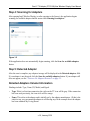
Step 1: Opening Intel Wireless Display on the Laptop .............................................1-1
Step 2: Windows Firewall Security Alert ..................................................................1-2
Step 3: Consenting to the License Agreement .........................................................1-2
Step 4: Scanning for Adapters .................................................................................1-3
Step 5: Detected Adapter .........................................................................................1-3
Detected Adapters Column Information ...................................................................1-3
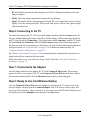
Step 6: Connecting to the TV ...................................................................................1-4
Step 7: Connected to the Adapter ............................................................................1-4
Step 8: Ready to Use Intel Wireless Display ............................................................1-4
First Time Connection Procedures .................................................................................1-5
Changing the TV Input .............................................................................................1-5
Step 1: Entering a Security Code .............................................................................1-6
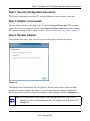
Step 2: Security Configuration Successful ...............................................................1-7
Step 3: Adapter is Connected ..................................................................................1-7
Step 4: Rename Adapter ..........................................................................................1-7
Step 5: Finishing the Initial Set Up Process .............................................................1-8
Initial Set Up Troubleshooting ..................................................................................1-8
Disconnecting ...........................................................................................................1-8
Exiting ......................................................................................................................1-9
Chapter 2 Troubleshooting
Initial Set Up Problems ...................................................................................................2-1
v
v1.0, January 2010