1
17 | ENGLISH
Image 18
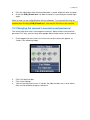
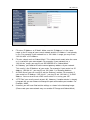
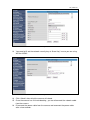
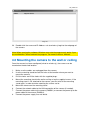
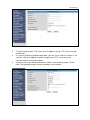
15. You need to fill out the wireless security key.
16. Click ‘Next’.
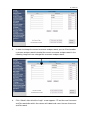
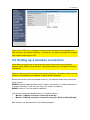
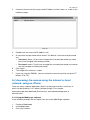
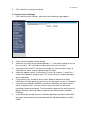
17. If the security key has successfully been written to the camera, the following
image will appear:
Image 19
18. Click ‘Exit’ to close the screen.
19. Disconnect the network cable from the camera.
20. Disconnect the power cable from the camera and reconnect the power cable
after a few seconds.
21. Once the camera has restarted, you need to double-click the ‘IP Camera Tool’
icon which is located on your desktop.
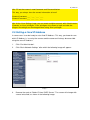
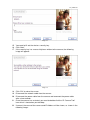
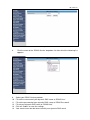
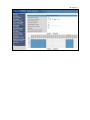
22. If correct, the name of the camera and IP-Address will be shown, as shown in the
following image: