1
Playback/Editing
Various methods to play back
You can play back the recorded pictures in various methods.
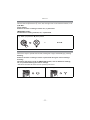
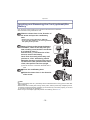
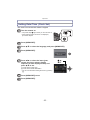
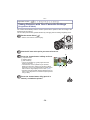
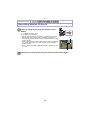
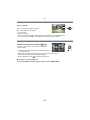
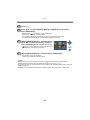
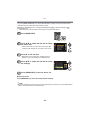
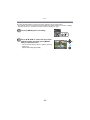
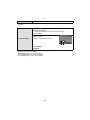
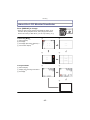
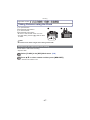
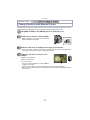
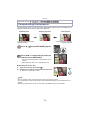
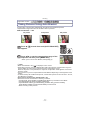
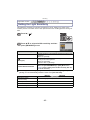
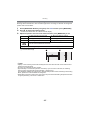
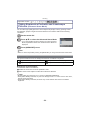
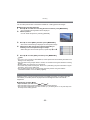
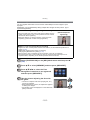
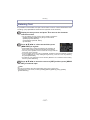
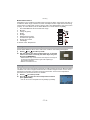
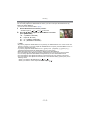
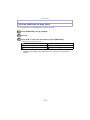
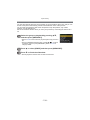
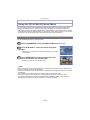
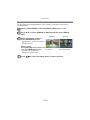
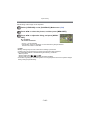
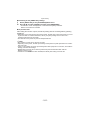
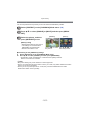
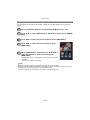
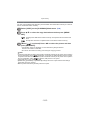
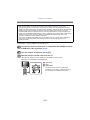
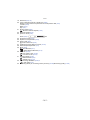
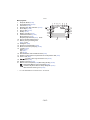
Press [MENU/SET] during playback.
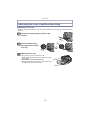
Press 1.
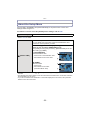
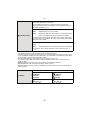
Press 3/4 to select the item and then press [MENU/SET].
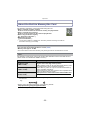
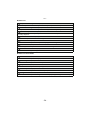
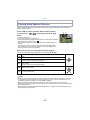
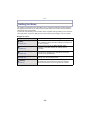
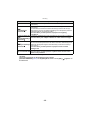
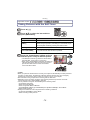
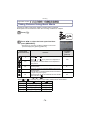
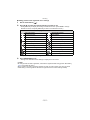
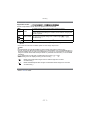
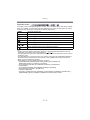
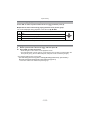
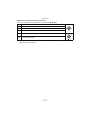
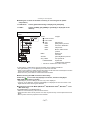
• Following items can be selected.
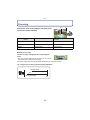
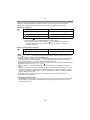
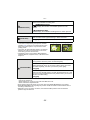
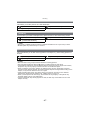
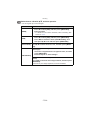
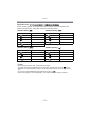
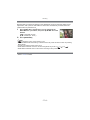
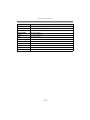
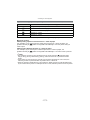
[2D/3D SETTINGS]¢
[MODE PLAY] (P139)
[NORMAL PLAY] (P39)
[CATEGORY PLAY] (P139)
[SLIDE SHOW] (P136)
[FAVORITE PLAY] (P139)
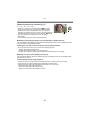
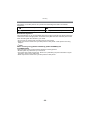
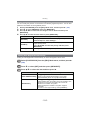
¢ The playback method for the 3D pictures can be switched. This menu is only
displayed during HDMI output. Refer to P160 for details about the playback
method.
- 135 -