1
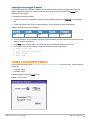
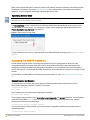
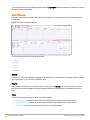
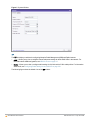
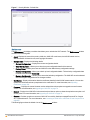
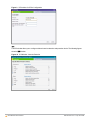
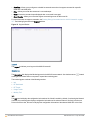
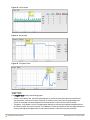
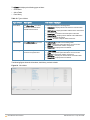
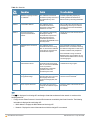
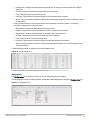
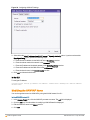
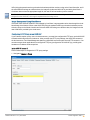
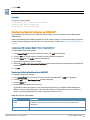
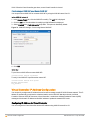
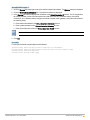
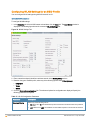
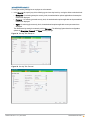
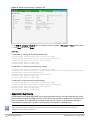
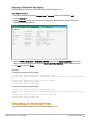
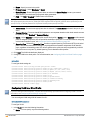
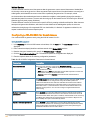
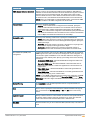
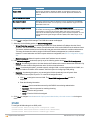
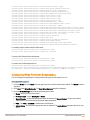
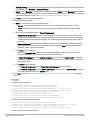
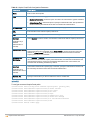
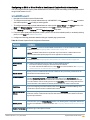
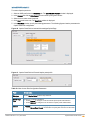
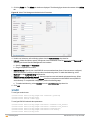
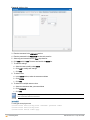
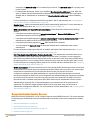
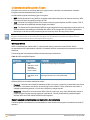
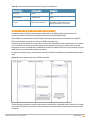
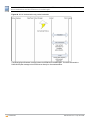
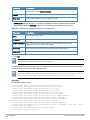
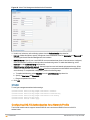
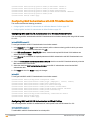
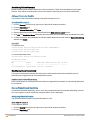
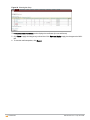
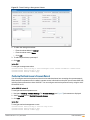
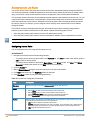
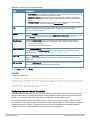
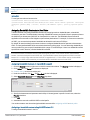
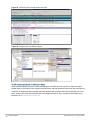
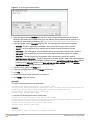
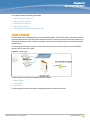
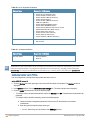
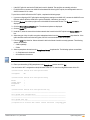
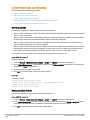
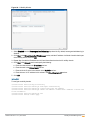
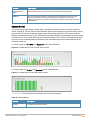
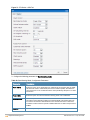
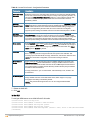
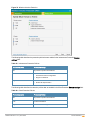
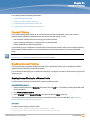
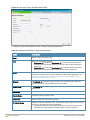
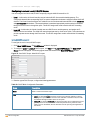
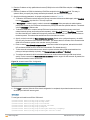
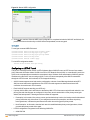
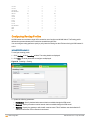
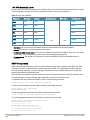
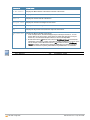
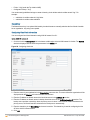
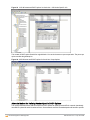
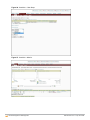
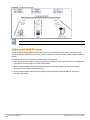
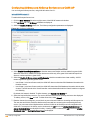
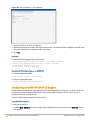
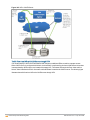
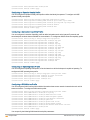
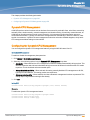
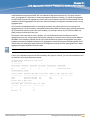
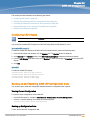
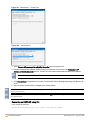
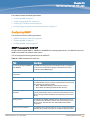
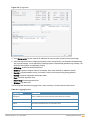
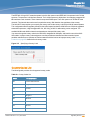
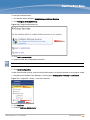
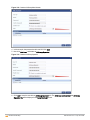
Figure 107 - Maintenance — Convert Tab
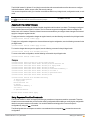
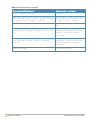
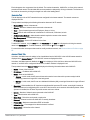
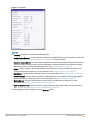
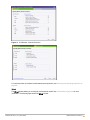
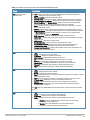
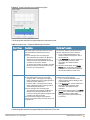
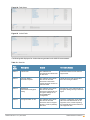
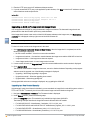
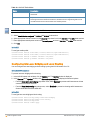
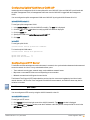
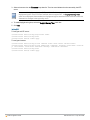
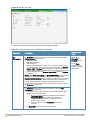
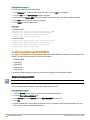
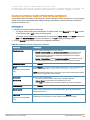
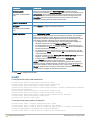
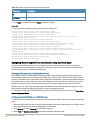
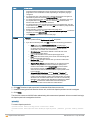
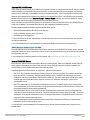
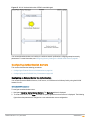
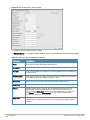
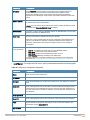
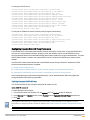
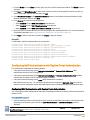
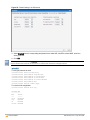
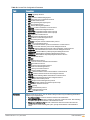
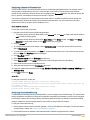
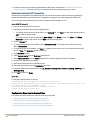
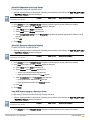
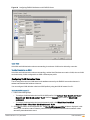
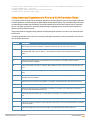
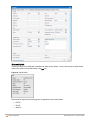
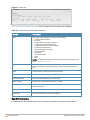
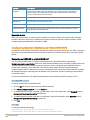
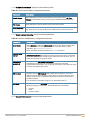
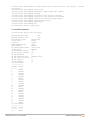
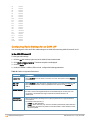
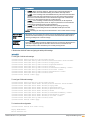
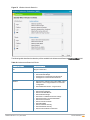
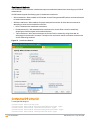
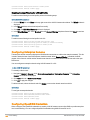
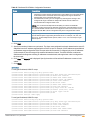
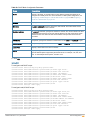
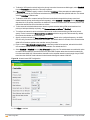
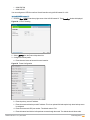
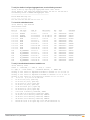
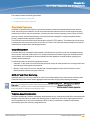
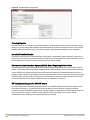
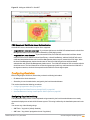
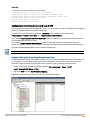
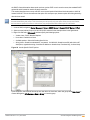
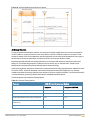
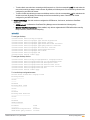
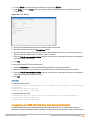
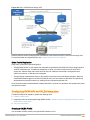
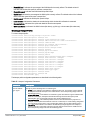
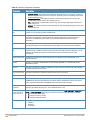
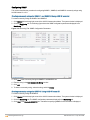
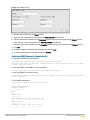
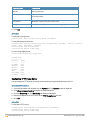
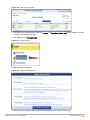
Figure 108 - Convert options
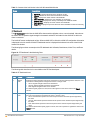
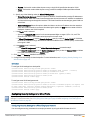
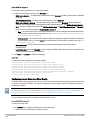
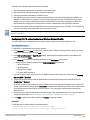
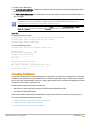
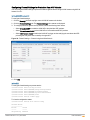
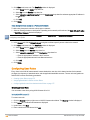
3. Select Remote APs managed by a Mobility Controller from the drop-down list.
4. Enter the hostname (fully qualified domain name) or the IP address of the Switch in the Hostname or IP
Address of Mobility Controller text box. Contact your local network administrator to obtain the IP address.
Ensure that the mobility Switch IP Address is reachable by the an OAW-IAPs.
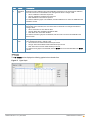
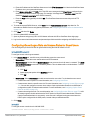
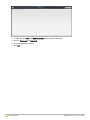
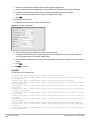
5. Click Convert Now to complete the conversion. The OAW-IAP reboots and begins operating in the Remote AP
mode.
6. After conversion, the OAW-IAP is managed by the mobility Switch.
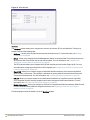
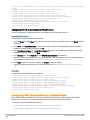
For OAW-IAPs to function as Remote APs, configure the OAW-IAP in the Remote AP white-list and enable the FTP
service on the Switch.
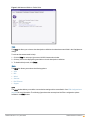
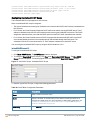
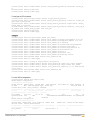
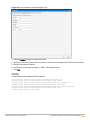
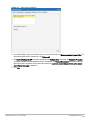
If the VPN setup fails and an error message is displayed, click OK, copy the error logs, and share them with your
local administrator.
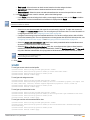
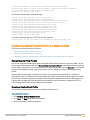
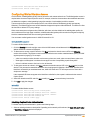
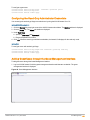
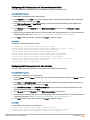
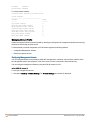
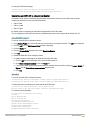
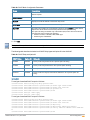
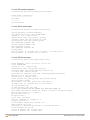
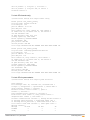
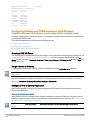
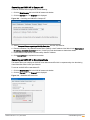
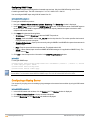
Converting an OAW-IAP using CLI
To an convert an OAW-IAP:
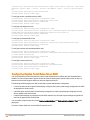
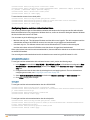
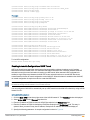
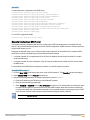
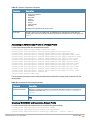
Instant Access Point# convert-aos-ap <mode> <controller-IP-address>
307 | OAW-IAP Management
AOS-W Instant 6.3.1.1-4.0 | User Guide