1
Home screen
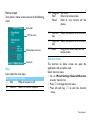
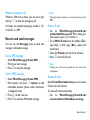
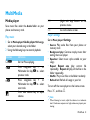
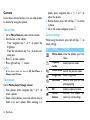
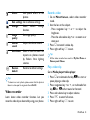
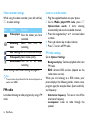
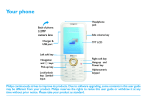
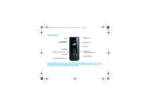
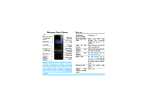
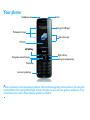
Your phone’s home screen consists of the following
areas:
) Hang-up/ End a call;
Exit/
Return to home screen;
Power
Hold to turn on/turn off the
phone.
Status Bar
SIM status bar
Double clock status bar
L Left soft Select the options on the screen.
key
R Right soft Select the options on the screen.
key
Long press to lock keys on the
* Lock
home screen.
Shortcut menu
Shortcuts
Keys
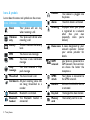
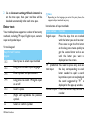
Learn about the main keys.
Key Definition Function
Make or answer a call.
( Dial
, Confirm Select or confirm a option.
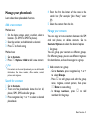
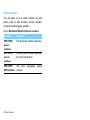
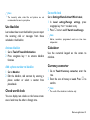
The shortcut on home screen can open the
applications tab you often used.
Select shortcut menu:
1 Go to Menu>Settings>General>Shortcut
to enter shortcut list.
2 Press , to change shortcut menu.
3 Press left soft key L to edit the shortcut
menu.
Your phone 1