1
•
Note:
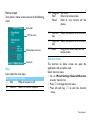
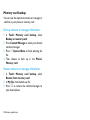
Set world clock
The insecurity audio, video files and pictures are not
recommended to save to your phone.
Go to Settings>Date & time>World clock,
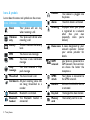
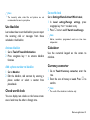
Use blacklist
Learn about how to set the blacklist; you can reject
the incoming calls or messages from those
included in the blacklist.
1 In Local settings/Foreign settings, press
navigation key < or > to select a city.
2 Press , to turn on/off Switch local/foreign.
Note:
•
Alarms, reminders, programmed events are time zone
independent.
Activate blacklist
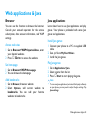
Calculator
1 Go to Tools>Firewall>Activation.
2 Press navigation key < to activate blacklist
Use the numerical keypad on the screen to
calculate.
function.
Add a phone number to blacklist
Currency converter
1 Go to Blacklist.
2 Edit the blacklist, add contacts by entering a
1 Go to Tools>Currency converter, enter the
phone number or select a contact from
phonebook.
rate.
2 Enter the sum of money in Local. Press , to
confirm.
Note:
Check world clock
•
The result of the calculator is indicative only.
You can display two clocks on the home screen:
one is local time, the other is foreign time.
Business applications 21