1
eSATA3 Express Card /34mm
4.
Installing eSATA cables
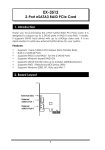
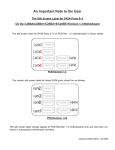
There are two eSATA3 connectors which are double-decked on
this Express card. The lower one is port #0 and the upper one is
port #1. To connect the eSATA devices, use an eSATA-to-eSATA
cable (since the cable does NOT support bus power, the eSATA
device has to be self-powered). Since it is a point-to-point
connection, no termination problem has to be cared about.
4. Driver Installation
To install the device drivers, insert the supplied driver CD (folders as
the following picture).
Please follow the following steps:
1.
Run the driver installer (drvSetup.exe)
\SATA3\88SE9128\Drivers to install the drivers
2.
Reboot the system to let the drivers take effect.
3
in
the
folder