1
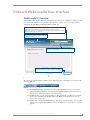
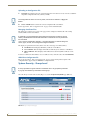
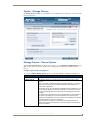
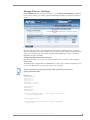
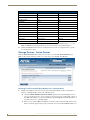
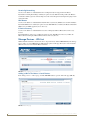
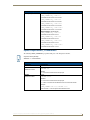
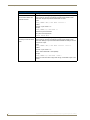
WebConsole - System Options
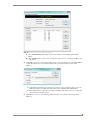
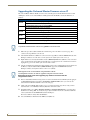
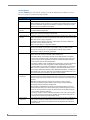
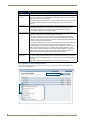
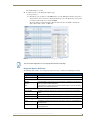
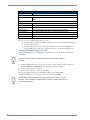
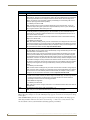
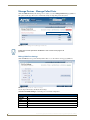
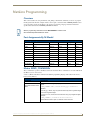
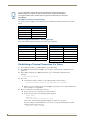
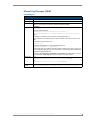
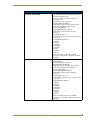
Level Data Type Minimum Value Maximum Value
CHAR
0
255
INTEGER
0
65535
SINTEGER
-32768
32767
LONG
0
429497295
SLONG
-2147483648
2147483647
FLOAT
-3.402823466e+38 3.402823466e+38
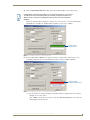
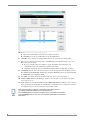
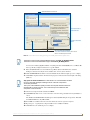
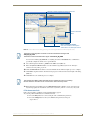
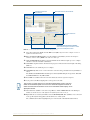
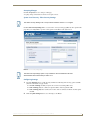
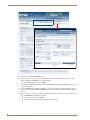
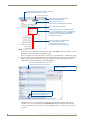
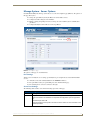
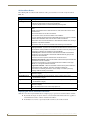
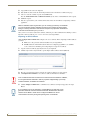
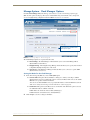
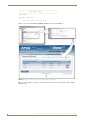
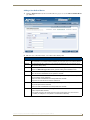
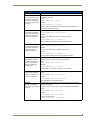
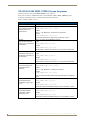
6. In the Command and String fields, enter any character strings that can be sent as either a String or
Command, and press Send to transmit to the Master.
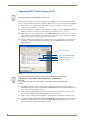
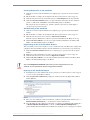
When entering a Send Command, do not include the "send c" or "SEND_COMMAND" in the
statement - only type what would normally occur within the quotes (but don't include the quotes
either).
For example to send the "CALIBRATE" send command, type CALIBRATE (no quotes) rather
than SEND_COMMAND <dev> "CALIBRATE".
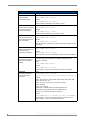
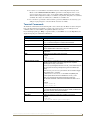
String Expressions start and end with double quotes (" "). Double quotes are not escaped, rather
they are embedded within single quotes. String expressions may contain string literals, decimal
numbers, ASCII characters and hexadecimal numbers (pre-pended with a $), and are
comma-delimited.
String Literals start and end with single quotes ('). To escape a single quote, use three single
quotes (''').
NetLinx Integrated Controllers- WebConsole & Programming Guide (FMv3)
43