1
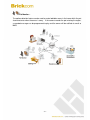
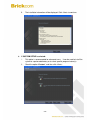
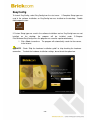
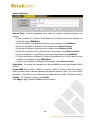
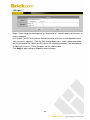
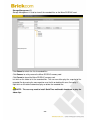
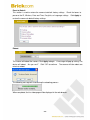
EasyLinkTM is a unique Brickcom function which allows users to assign a unique EasyLink
name to their network camera’s IP address. There is no need to configure the router to open
up ports or remember hard-to-memorize IP addresses. When this feature is enabled, users
can log onto [uniqueEasyLinkname].mybrickcom.com to view the camera’s web GUI and live
view.
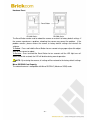
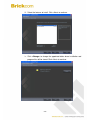
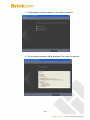
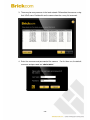
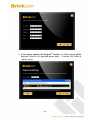
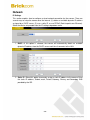
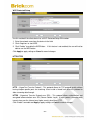
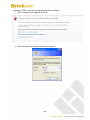
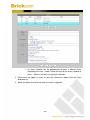
1. Enter a unique EasyLink name whose length must be between 5-32 characters.
2. When finished, click the arrow button to continue.
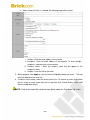
3.
NOTE - See page 42 for more details about the EasyLink function.
- 22 -