1
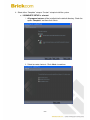
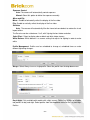
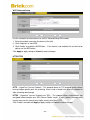
Wi-Fi Protected Setup
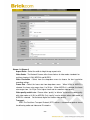
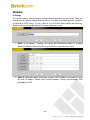
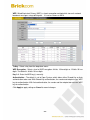
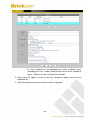
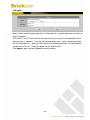
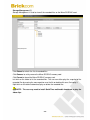
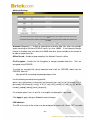
Use this method if the client device has a Wi-Fi Protected Setup PIN number.
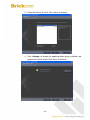
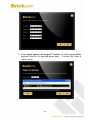
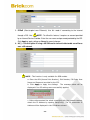
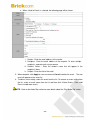
1. Enter the network name from the device in the field.
2. Click <Register> to start WPS.
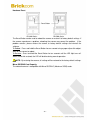
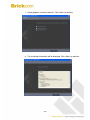
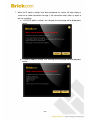
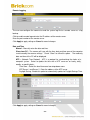
3. Click “Enable” to enable the WPS Button.
able to use the WPS button
If this feature is not enabled, the user will not be
Click Apply to apply settings or Cancel to cancel changes.
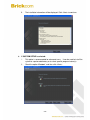
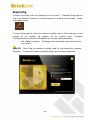
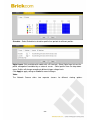
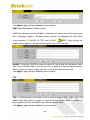
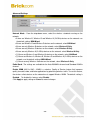
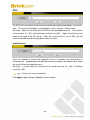
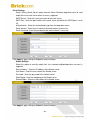
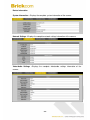
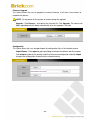
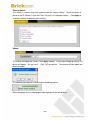
HTTP/HTTPS
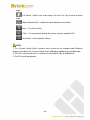
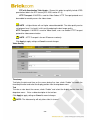
HTTP – (HyperText Transfer Protocol) - This protocol allows for TCP protocol quality without
having to open specific ports for streaming. Users inside a firewall can utilize this protocol to
allow streaming data through.
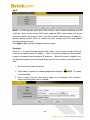
HTTPS - (Hypertext Transfer Protocol over SSL) - This protocol allows authentication and
encrypted communication over SSL (Secure Socket Layer). It helps protect streaming data
transmission over the Internet on a higher security level than HTTP.
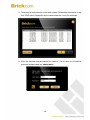
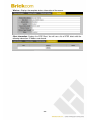
Click “Enable” to enable and Apply to apply settings or Cancel to cancel changes.
.
- 51 -