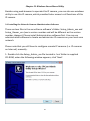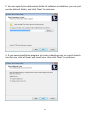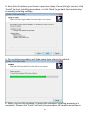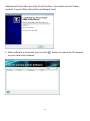
1
Item
Network Type
Description
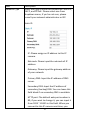
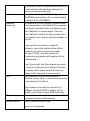
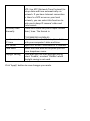
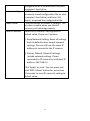
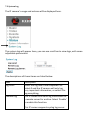
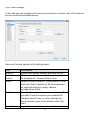
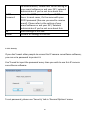
Select the type of Ethernet connection: Static IP,
DHCP, and PPPoE. Please select one from
dropdown menu, if you’re not sure, please
consult your network administrator or ISP.
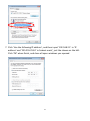
Static IP:
IP: Please assign an IP address to this IP
camera.
Netmask: Please input the netmask of IP
address.
Gateway: Please input the gateway address
of your network.
Primary DNS: Input the IP address of DNS
server.
Secondary DNS: Input the IP address of
secondary (backup) DNS. You can leave this
field blank if no secondary DNS is available.
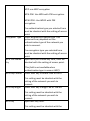
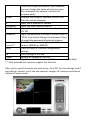
HTTP port: The default web port number is
80, if you want to change it, you can input it
from 1024 ~ 65535 in this field. When you
connect to this IP camera next time, you
22