1
Chapter 4 — Managing, Upgrading, and Troubleshooting the IF30
Enabling Simple Network Management Protocol
(SNMP)
You can access and manage the IF30 from a Simple Network
Management Protocol (SNMP) station. Contact a representative if
you need to obtain a copy of the management information base
(MIB).
Before you can use an SNMP management station, you must define
the IF30 SNMP community strings.
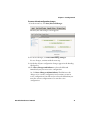
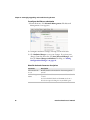
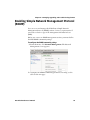
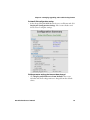
To configure the SNMP community strings
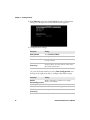
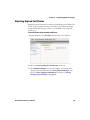
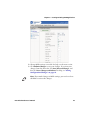
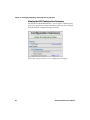
1 From the menu, click Network Management. The Network
Management screen appears.
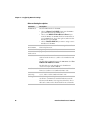
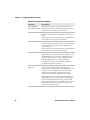
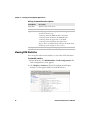
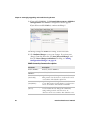
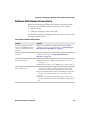
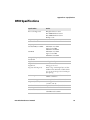
2 Configure the SNMP community parameters. For help, see the
table on the next page.
IF30 Fixed Reader User’s Manual
59