1
11.
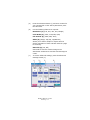
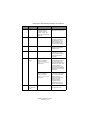
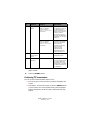
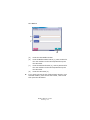
SETUP button
Pressing this button selects setup mode for address books
or reports, for example. (See “Appendix F – Scanner unit
setup details” on page 198.)
12.
HELP button
Pressing this button displays help information on the touch
screen.
13.
ATTENTION light
Flashes when operator attention is required e.g after a
paper jam has occurred.
14.
POWER light
Is illuminated when the scanner unit is on.
15.
RESET button
Pressing this button returns all settings of a selected
function to their default values, but does not stop jobs in
progress.
16.
STOP button
Pressing this button stops the scanning process.
17.
START button
Pressing this button starts the scanning process.
18.
Clear button
Pressing this button clears all text in a selected text box on
the touch panel.
19.
Numeric buttons (0 – 9)
Use these buttons to enter number of copies, e-mail
address, scale of copy for example.
20.
Period button
Use this button to enter decimal values or in e-mail
addresses.
ES3640e MFP User’s Guide
Control panels > 46