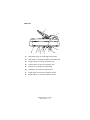
1
decrement the value of the feature. Pressing the Menu
button confirms and sets the new value.
4.
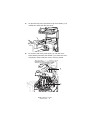
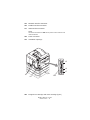
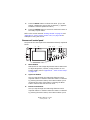
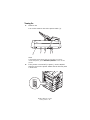
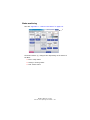
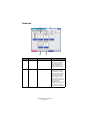
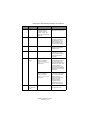
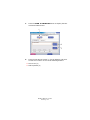
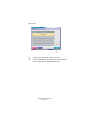
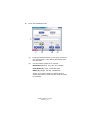
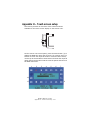
Touch screen display
Enables you to make selections associated with the
copying and scanning functions by touching the screen to
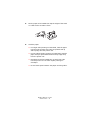
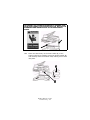
press selected buttons. The screen can be tilted up for ease
of viewing by pulling on handle (4a) and it locks in position.
Use the release control (4b) to enable downward
adjustments.
Be careful not to scratch the display with sharp or pointed
objects e.g. a ballpoint pen as this may impair the display.
5.
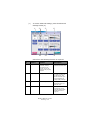
COPY button
Pressing this button selects copy mode on the touch
screen.
6.
SCAN TO E-MAIL button
Pressing this button selects e-mail send mode on the touch
screen.
7.
SCAN TO NETWORK button
Pressing this button selects network send mode on the
touch screen for scan to FTP and remote scan functions.
8.
SCAN TO MAILBOX button
Pressing this button selects mailbox send mode on the
touch screen for scanning to a mailbox or to a hold queue.
9.
INTERRUPT button
Pressing this button switches interrupt mode on or off, its
LED being illuminated when interrupt mode is on. Use this
button to interrupt a print job and carry out a scan.
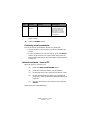
10.
POWER SAVE button
Pressing this button switches the scanner unit power save
mode on or off, its LED being illuminated when power save
mode is on.
ES3640e MFP User’s Guide
Control panels > 45