1
3
Multicast Filtering
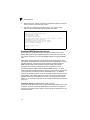
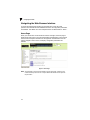
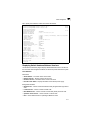
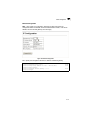
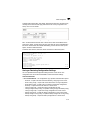
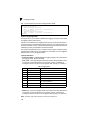
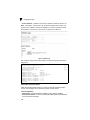
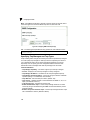
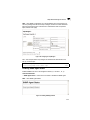
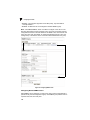
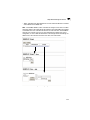
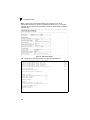
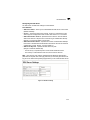
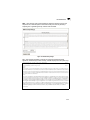
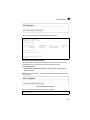
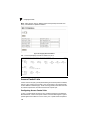
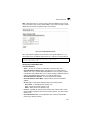
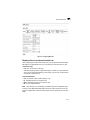
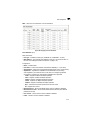
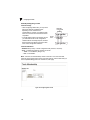
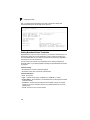
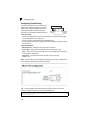
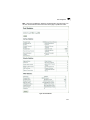
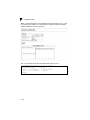
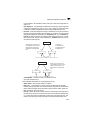
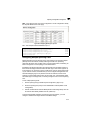
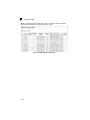
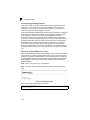
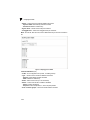
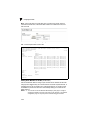
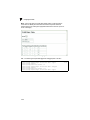
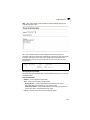
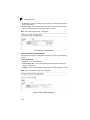
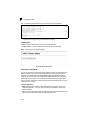
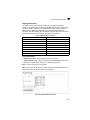
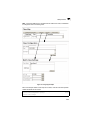
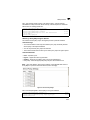
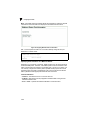
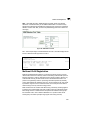
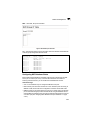
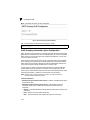
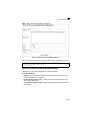
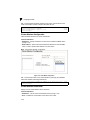
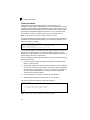
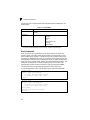
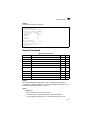
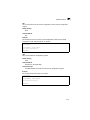
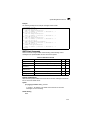
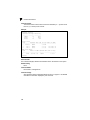
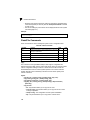
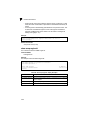
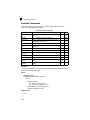
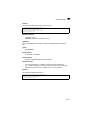
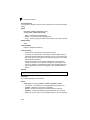
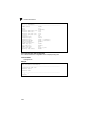
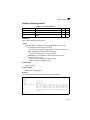
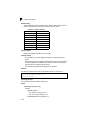
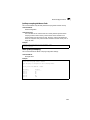
Web – Click IGMP Snooping, Static Multicast Router Port Configuration. Specify the
interfaces attached to a multicast router, indicate the VLAN which will forward all the
corresponding multicast traffic, and then click Add. After you have finished adding
interfaces to the list, click Apply.
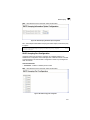
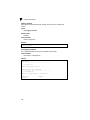
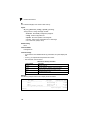
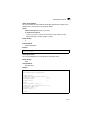
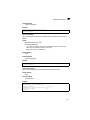
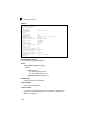
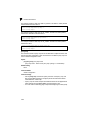
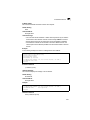
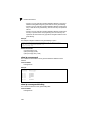
Figure 3-97 Static Multicast Router Port Configuration
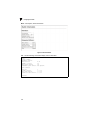
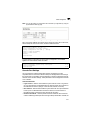
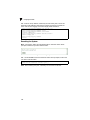
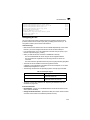
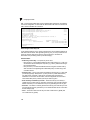
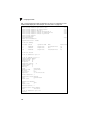
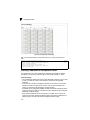
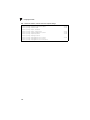
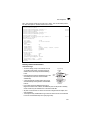
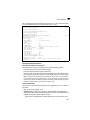
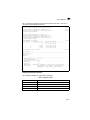
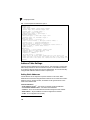
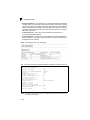
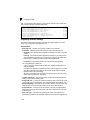
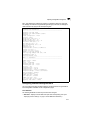
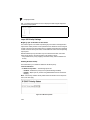
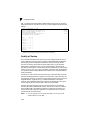
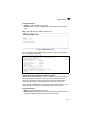
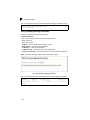
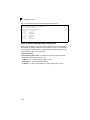
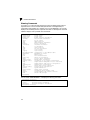
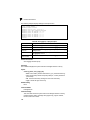
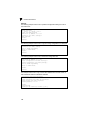
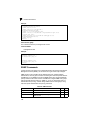
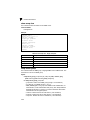
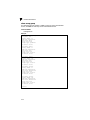
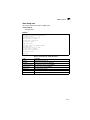
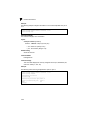
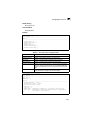
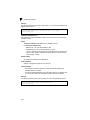
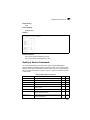
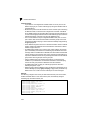
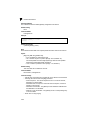
CLI – This example configures port 11 as a multicast router port within VLAN 1.
Console(config)#ip igmp snooping vlan 1 mrouter ethernet 1/11
Console(config)#exit
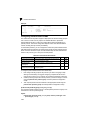
Console#show ip igmp snooping mrouter vlan 1
VLAN M'cast Router Port Type
---- ------------------ ------1
Eth 1/11 Static
Console#
4-208
4-209
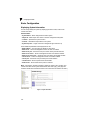
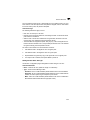
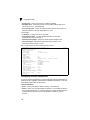
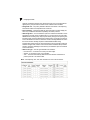
Displaying Port Members of Multicast Services
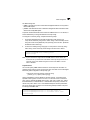
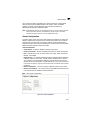
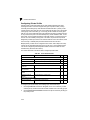
You can display the port members associated with a specified VLAN and multicast
service.
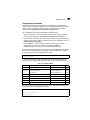
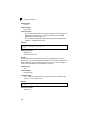
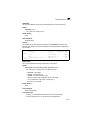
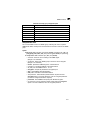
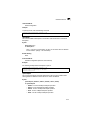
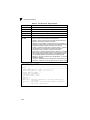
Command Attributes
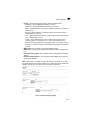
• VLAN ID – Selects the VLAN for which to display port members.
• Multicast IP Address – The IP address for a specific multicast service.
• Multicast Group Port List – Shows the interfaces that have already been
assigned to the selected VLAN to propagate a specific multicast service.
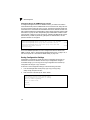
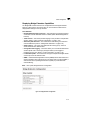
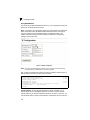
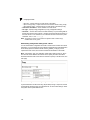
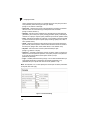
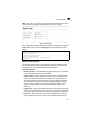
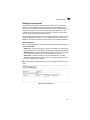
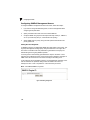
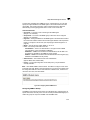
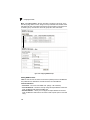
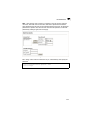
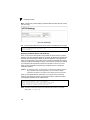
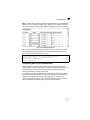
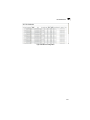
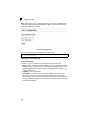
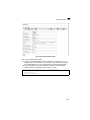
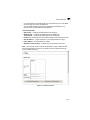
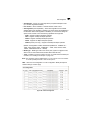
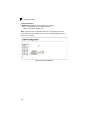
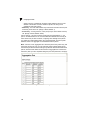
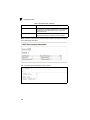
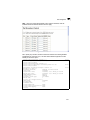
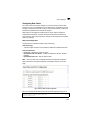
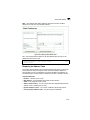
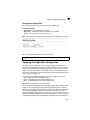
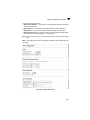
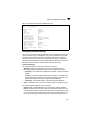
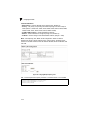
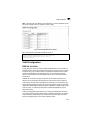
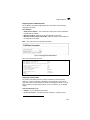
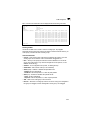
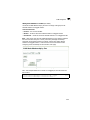
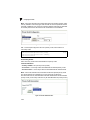
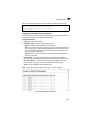
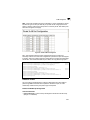
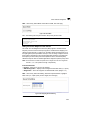
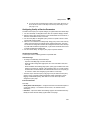
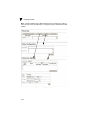
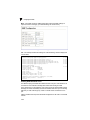
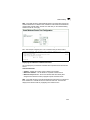
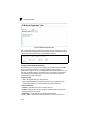
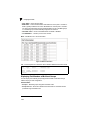
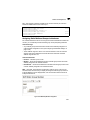
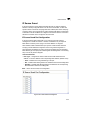
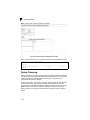
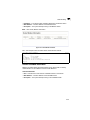
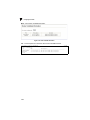
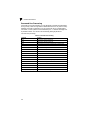
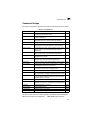
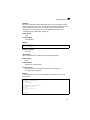
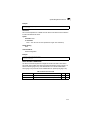
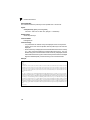
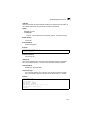
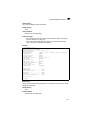
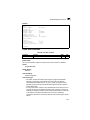
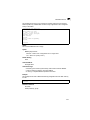
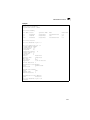
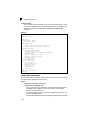
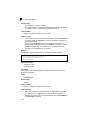
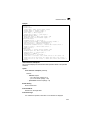
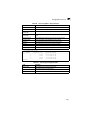
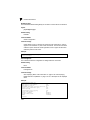
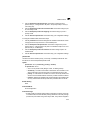
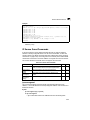
Web – Click IGMP Snooping, IP Multicast Registration Table. Select a VLAN ID and
the IP address for a multicast service from the scroll-down lists. The switch will
display all the interfaces that are propagating this multicast service.
3-159